.webp)


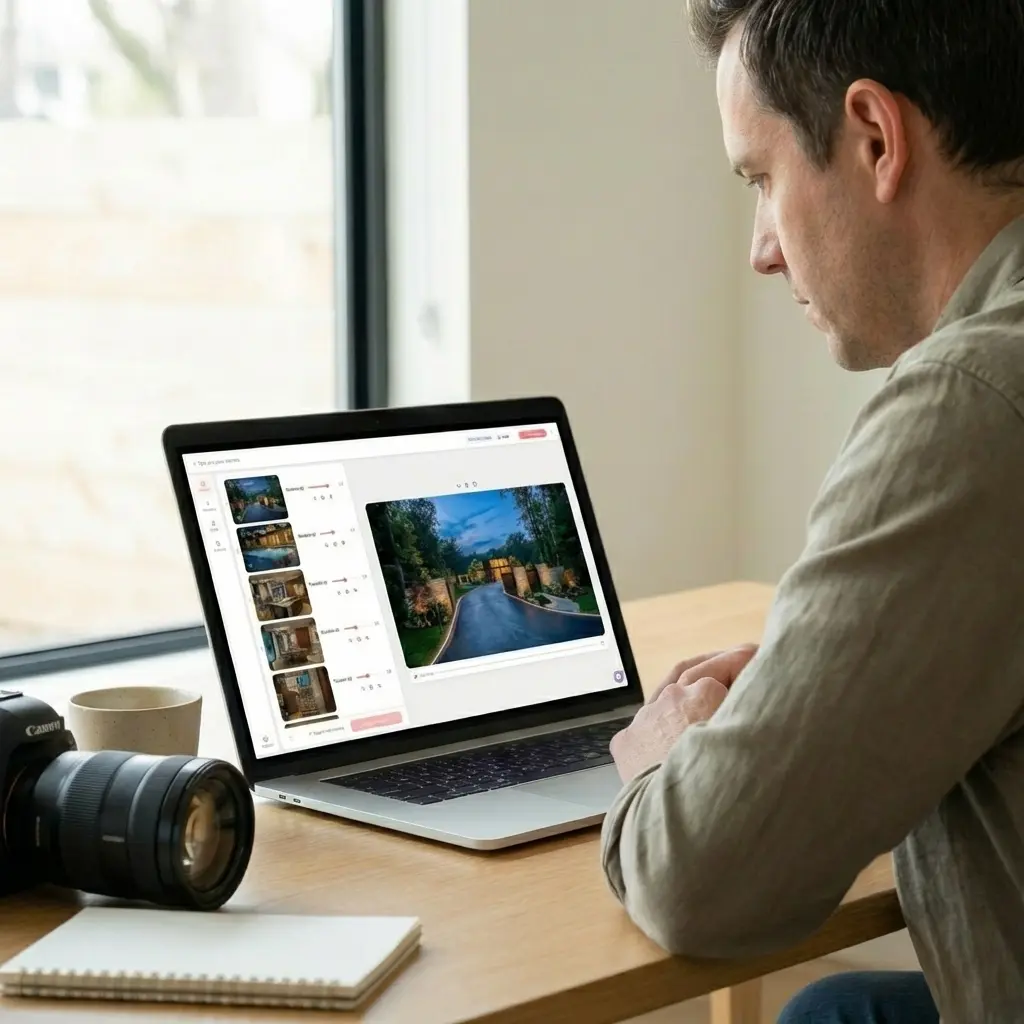
The fastest way to turn real estate listing photos into a marketing video is with an AI tool like Amplifiles. Upload your photos, and you get a polished 1080p video with voice-over, captions, and branding in under 5 minutes. No filming. No editing timeline. No learning curve.
Most agents already have the raw material for video marketing sitting in their MLS uploads. The average listing has 20 to 30 professional photos that never get used beyond the property page. Converting those photos into video is the fastest path to more engagement, more inquiries, and faster sales. Real estate video statistics show that listings with video receive up to 403% more inquiries than those without.
This guide walks through exactly how to turn your listing photos into professional video, what tools exist, and which approach fits your workflow.
What Is a Real Estate Photo-to-Video Tool?
A real estate photo-to-video tool is software that converts static listing photographs into dynamic marketing videos. These tools use AI to add cinematic camera movements (pan, zoom, dolly), transitions, music, voice-over narration, and on-screen text to your existing photos. The result looks like a professionally produced walkthrough video, but it is generated automatically from images you already have.
Amplifiles is an AI-powered real estate video maker that turns listing photos into branded marketing videos. It is designed for real estate agents and photographers who need professional-quality videos without editing skills. The platform produces 1080p video, adds voice-overs in 30+ languages, includes captions and your logo, and delivers the finished product in approximately 5 minutes at $1.50 per image.
The core advantage over traditional AI real estate video editing is speed. A videographer charges $300 to $1,000 and delivers in days. A photo-to-video AI tool costs a fraction of that and delivers while you are still writing the listing description.
Why Agents and Photographers Are Switching to Photo-Based Video
Three forces are pushing real estate professionals toward photo-to-video tools in 2026.
Buyers expect video. The National Association of Realtors reports that 73% of homeowners are more likely to list with an agent who uses video. Yet only 9% of agents create video for every listing. The gap between buyer expectations and agent output is enormous, and photo-to-video tools close it instantly.
Photos already exist. Every listing that goes on the MLS has professional photography. Agents are paying $150 to $400 for photos that get used once. Turning those same photos into video doubles the value of every dollar spent on photography without any additional shoot.
Social media rewards video. Instagram, TikTok, Facebook, and YouTube all prioritize video content in their algorithms. A static photo carousel gets a fraction of the reach that a 30-second listing video achieves. Agents who repurpose their listing photos into short videos for social platforms see significantly higher engagement rates and follower growth.
See how Amplifiles turns your listing photos into video in 5 minutes →
How to Turn Listing Photos into Video: Step by Step
The process varies slightly between tools, but the core workflow with Amplifiles takes four steps.
Step 1: Upload your listing photos. Select the photos you want in your video. Most agents use 10 to 25 images. The best results come from starting with an exterior shot, moving through the main living areas, and ending with a backyard or neighborhood photo. You can upload directly or paste your MLS listing URL.
Step 2: Choose your settings. Select the voice-over language (Amplifiles supports 30+ languages), pick a music track, and upload your logo for branding. You can also add custom text overlays with property details like price, square footage, and bedroom count.
Step 3: Let the AI process. Amplifiles applies cinematic camera movements to each photo, sequences them into a natural walkthrough flow, syncs the transitions to the music, and generates the voice-over narration. This takes about 5 minutes.
Step 4: Download and distribute. You receive a 1080p MP4 file ready for MLS uploads, social media, email campaigns, and your website. Amplifiles also generates vertical formats optimized for Instagram Reels and TikTok. Check out our guide on where to use your listing videos for maximum distribution impact.
Photo-to-Video Tools Compared
Several AI tools now specialize in converting real estate photos to video. Here is how the main options stack up.
The biggest differentiator is output completeness. Tools like Pixlmob and PhotoAIVideo animate individual photos with camera movements, which is useful for social media clips. But they do not produce a full listing video with narration, property details, and branding. Amplifiles is the only purpose-built tool that takes a set of listing photos and delivers a complete, ready-to-publish marketing video with voice-over in 30+ languages.
Unlike Animoto or InVideo, which require manual editing and are designed for general video creation, Amplifiles automatically sequences listing photos into a cinematic walkthrough video. The workflow is built specifically for real estate, so there is no timeline to learn and no templates to customize.
Tips for Getting the Best Results from Your Photos
The quality of your input photos directly affects your video output. Here is how to get the most from every upload.
Use your best 15 to 20 photos. More is not always better. A 45-photo video feels slow. Curate down to the strongest images that show the property's flow: exterior, entry, living spaces, kitchen, primary bedroom, bathrooms, outdoor areas. Each photo should show a different room or angle.
Order matters. Arrange photos in the sequence a buyer would experience during an in-person showing. Start with curb appeal, move through the front door, flow through common areas to private spaces, and finish with the backyard or community amenities. This narrative arc keeps viewers watching.
Use landscape orientation. Horizontal photos (16:9 or 3:2 aspect ratio) produce the best results for listing videos. Vertical photos can work for social media formats, but the primary listing video should use landscape images. Check our real estate photography tips for more on framing and composition.
Include a mix of wide and detail shots. Wide shots establish rooms. Detail shots (countertop materials, fixtures, built-in features) add the kind of texture that makes buyers feel they have actually visited the property. A good ratio is 70% wide shots and 30% detail shots.
Skip the floor plan image. Floor plans are valuable in listings but they look awkward in video. The camera movement AI works best on photographs with depth and perspective. Save floor plans for the listing page itself.
Where to Use Your Listing Video
Once your photo-to-video tool delivers the finished product, distribute it everywhere buyers spend time.
MLS listing. Most MLS systems now accept video uploads. Adding video to your MLS listing is the single highest-impact placement because every buyer who views the listing will see it. Data shows that listings with video get significantly more inquiries and sell faster than photo-only listings.
Social media. Post the 30-second version to Instagram Reels, TikTok, Facebook, and YouTube Shorts. These platforms push video content to wider audiences than static images. Vertical crop versions work best for Stories and Reels.
Email campaigns. Include a video thumbnail in your email blast to your buyer database. Emails with video content see 2 to 3 times higher click-through rates than text-only emails.
Property website. Embed the video on your listing's dedicated webpage or virtual tour page. Video increases time on page, which signals quality to search engines and keeps prospective buyers engaged longer.
Paid advertising. Video ads on Facebook and Instagram consistently outperform static image ads for real estate. Use your listing video as the creative for targeted campaigns in the listing's geographic area.
Frequently Asked Questions
Can I turn MLS photos into a video?
Yes. Most AI photo-to-video tools accept standard JPEG and PNG images, which is the format MLS photos use. Amplifiles also lets you paste your MLS listing URL directly, and it pulls the photos automatically. You do not need to download and re-upload each image manually.
How much does it cost to make a video from listing photos?
Costs range from free (with watermarks and limited features) to $1 to $2 per photo for professional output. Amplifiles charges $1.50 per image, which means a 20-photo listing video costs about $30. New users get 1,200 free credits to start. Compare that to hiring a videographer at $300 to $1,000 per listing.
What is the best AI tool for real estate photo-to-video?
For complete listing videos with voice-over, captions, and branding, Amplifiles is the best option. It is the only tool purpose-built for real estate that produces a full marketing video from photos alone. For quick single-photo animations for social media, Pixlmob or PhotoAIVideo are solid alternatives. The right choice depends on whether you need a complete listing video or individual animated clips.
Do I need professional photos, or will phone photos work?
Professional photos produce significantly better results. The AI camera movements and transitions look most natural on well-lit, properly composed images shot with a wide-angle lens. Phone photos can work in a pinch for social media content, but for MLS listing videos that represent your brand, invest in professional photography first.
How long should a real estate listing video be?
For MLS and website use, 60 to 90 seconds works best. That is enough time to showcase 15 to 20 photos with smooth transitions and narration. For social media, trim to 15 to 30 seconds and focus on the property's strongest features. Amplifiles automatically adjusts video length based on how many photos you upload.
Final Thoughts
Real estate agents and photographers who already invest in listing photography are sitting on an untapped asset. Every set of professional photos can become a marketing video in minutes. The technology is mature, the cost is low, and the performance data is clear: video outperforms photos alone on every distribution channel.
We built Amplifiles because converting listing photos into video should take 5 minutes, not 5 days. Our platform turns listing photos into professional 1080p marketing videos in about 5 minutes, with voice-overs, captions, and branding. No filming or editing required.
Browse real estate video examples to see what a delivered listing video looks like before creating one. Or jump straight to how Amplifiles works for real estate agents and start with your 1,200 free credits.