.webp)
Make every listing photo
ready for video
Change the light, clear the room, stage empty spaces or add people. Edit any listing photo right inside the video editor, then animate it into your real estate video.





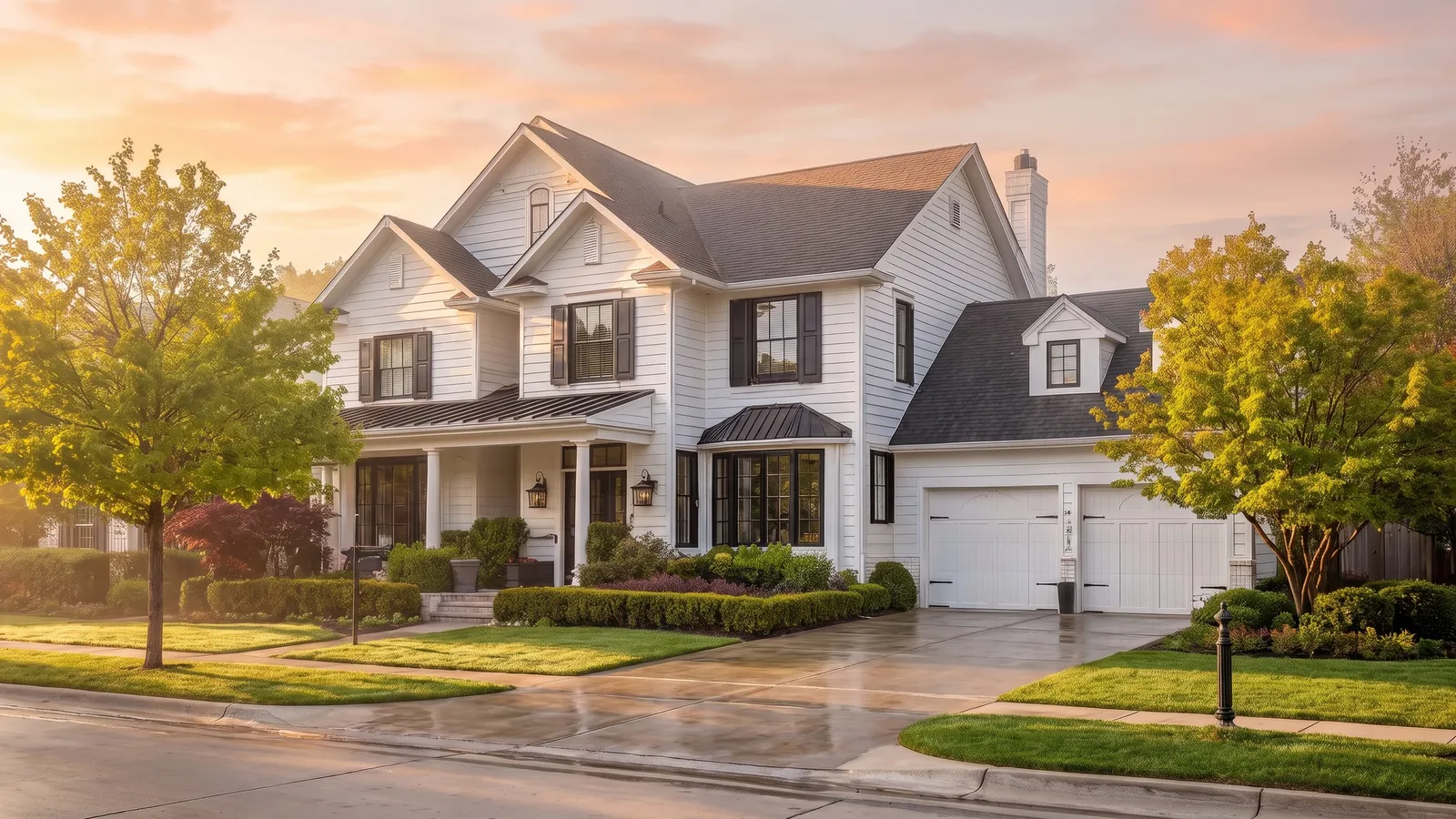
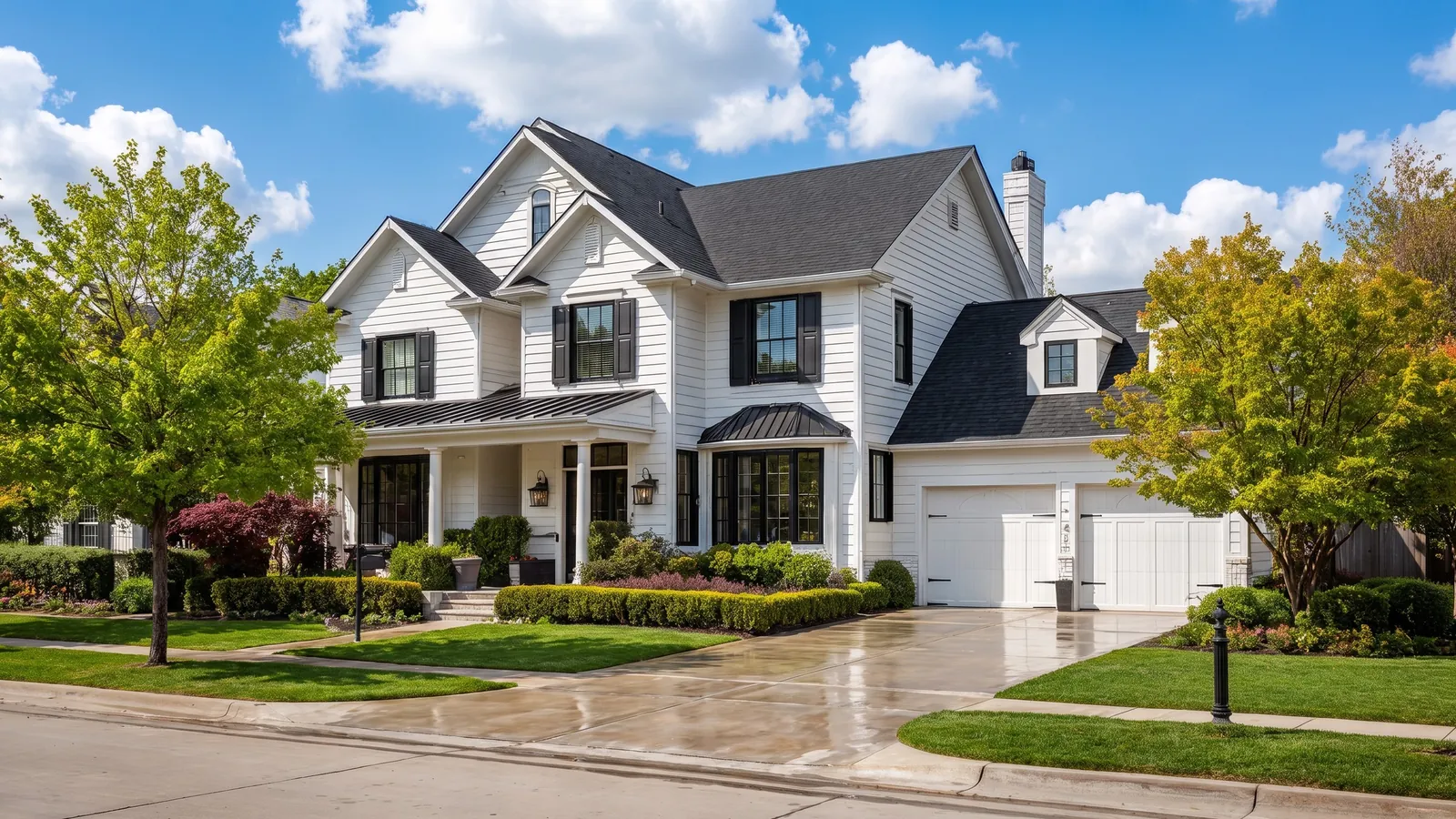
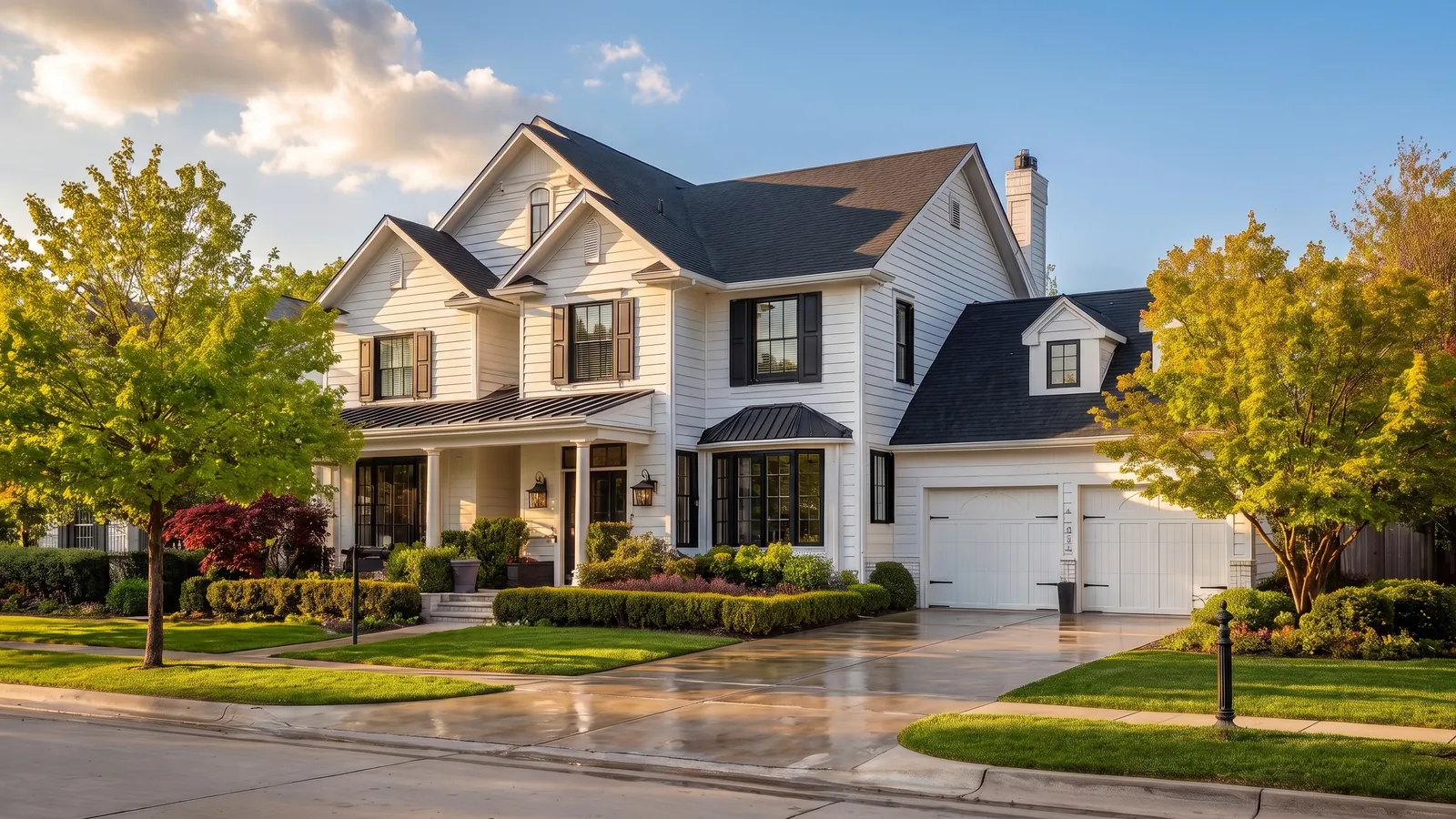
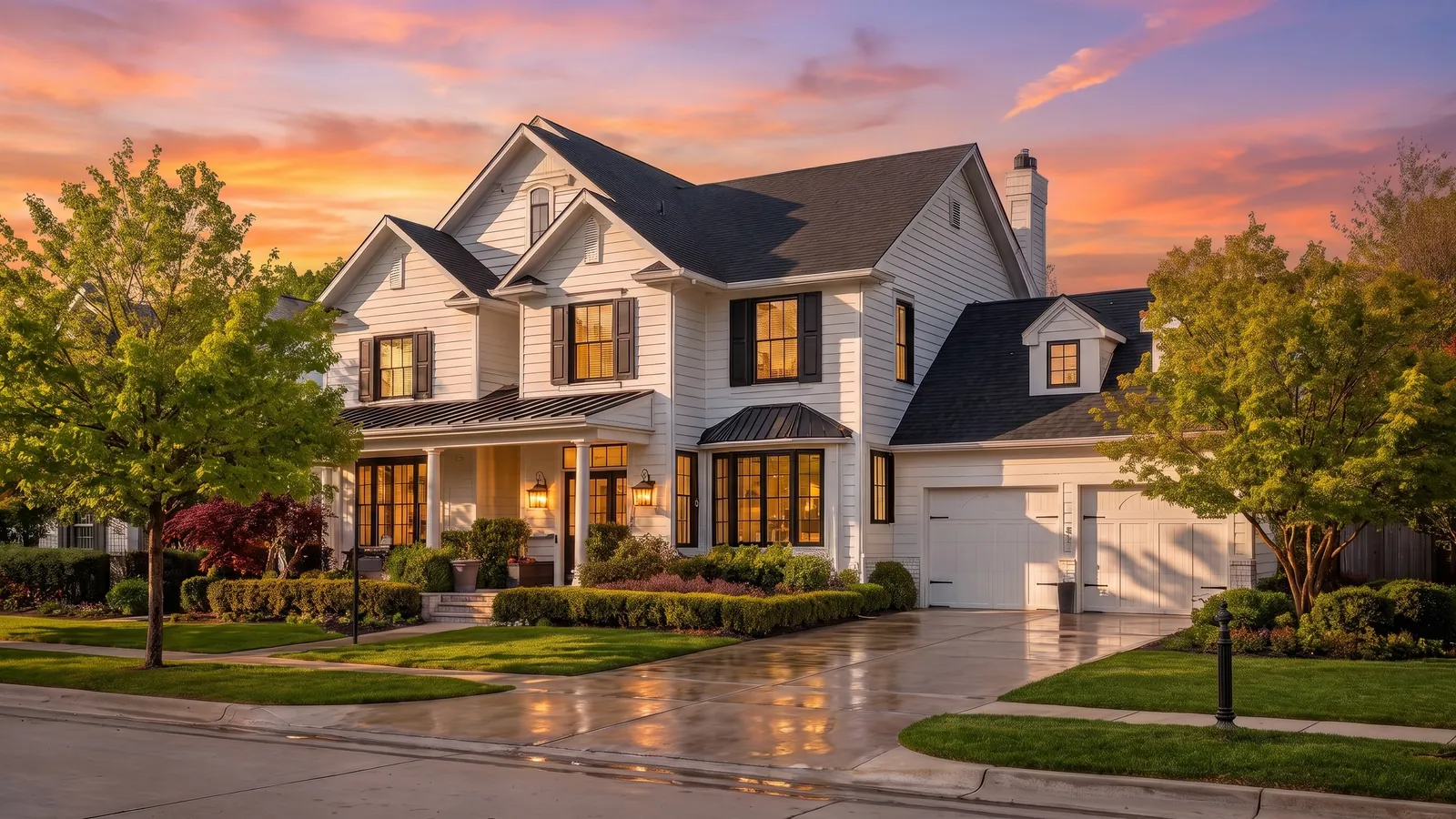
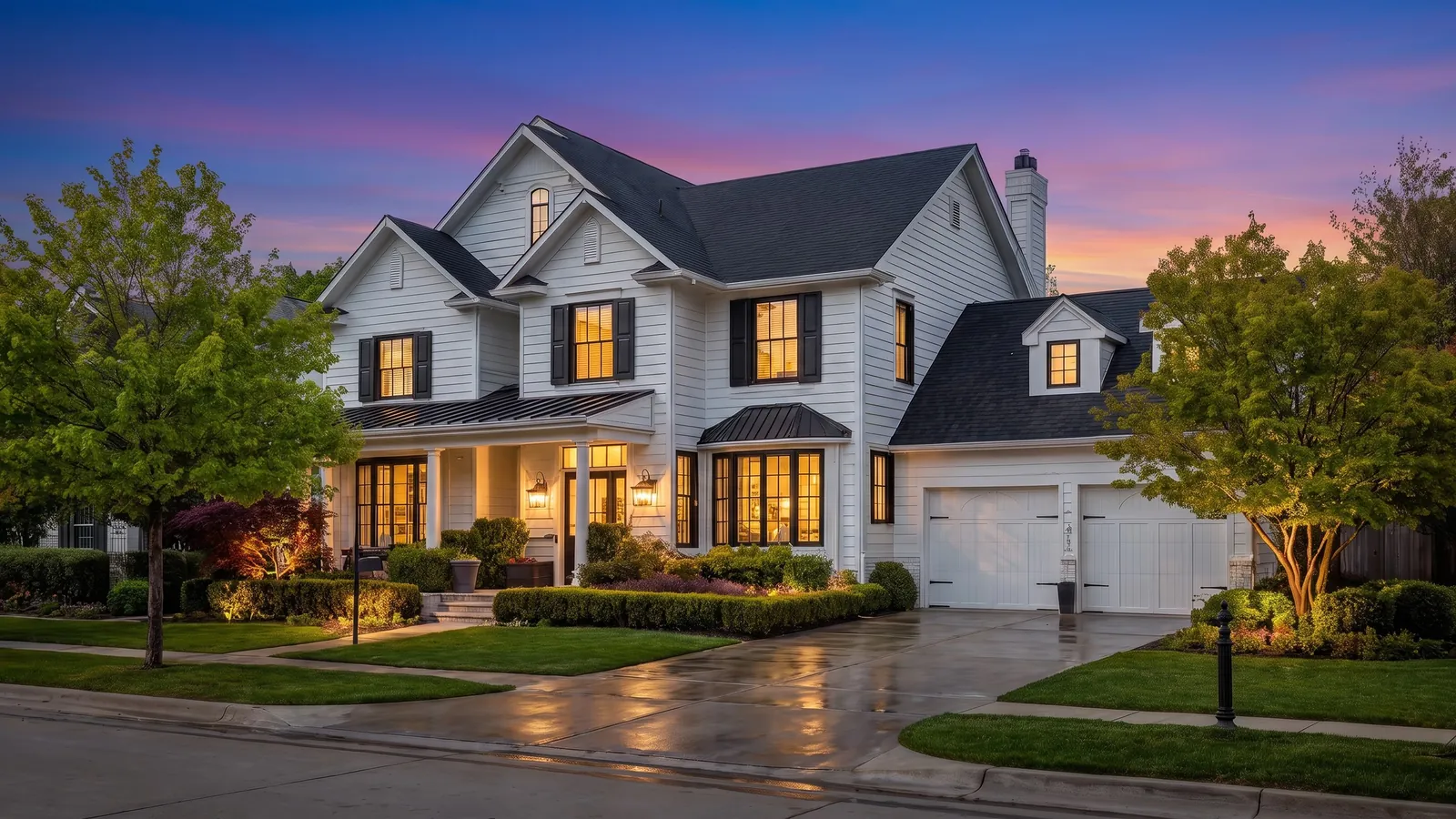
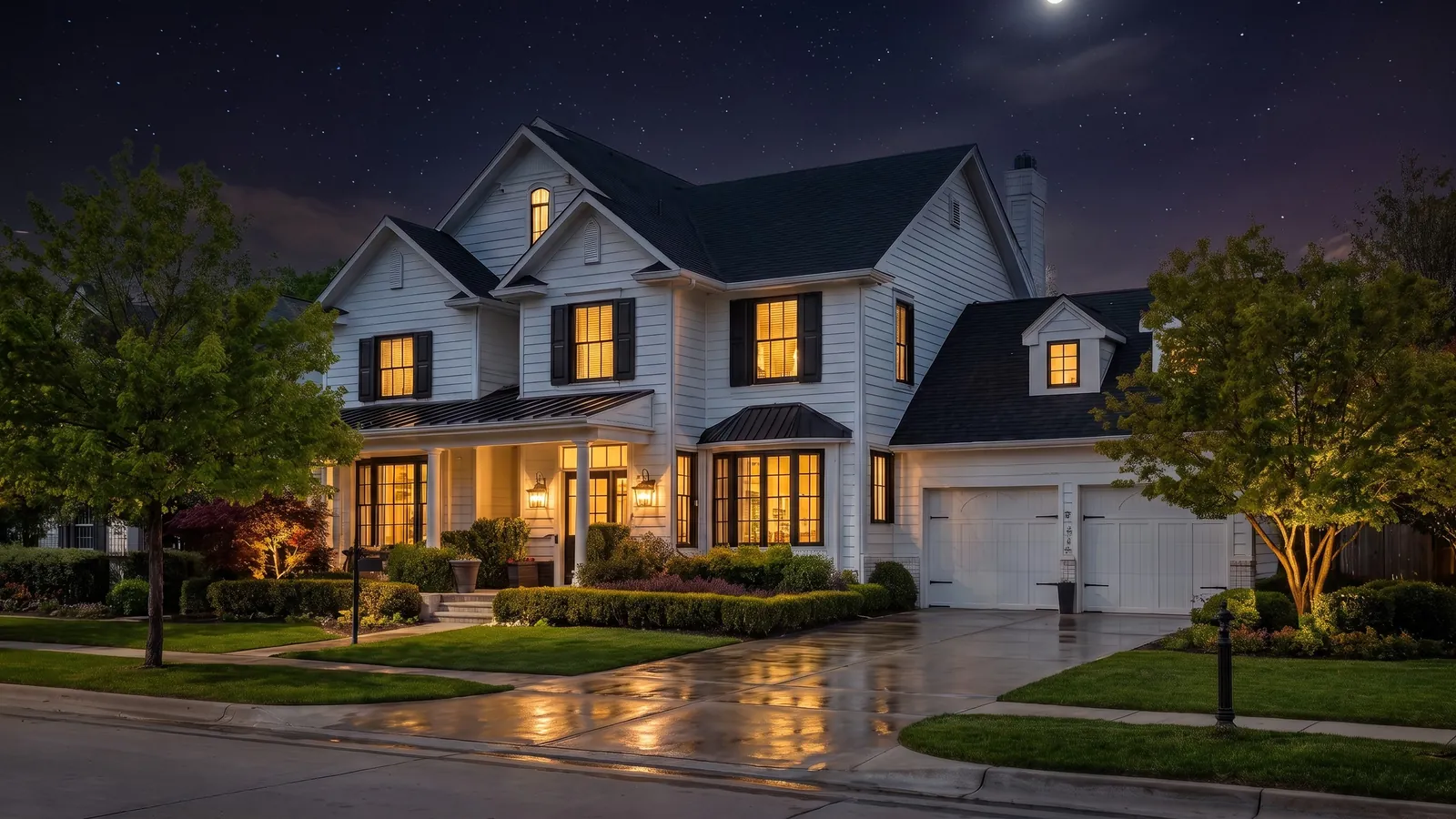
Time of Day. Shot at noon? Show it at twilight. Click a time to change the light, included with every Quick Animation.
Edit the photo. Then make it move
Image edits aren't a separate job or another app. They're a step in making your listing video, right next to the animations.
Let buyers see the home being lived in
A couple on the patio or a family at the kitchen island turns a room into a scene. The figures match the scale and light of the photo, and the clip feels like a lifestyle video instead of a slideshow.
More on AI lifestyle staging
Empty rooms make forgettable clips. Staged ones don't
Pick a style and the AI furnishes the room. Walls, floors and windows stay as shot, only the styling changes. Then animate it like any other photo in your video.
More on AI virtual staging
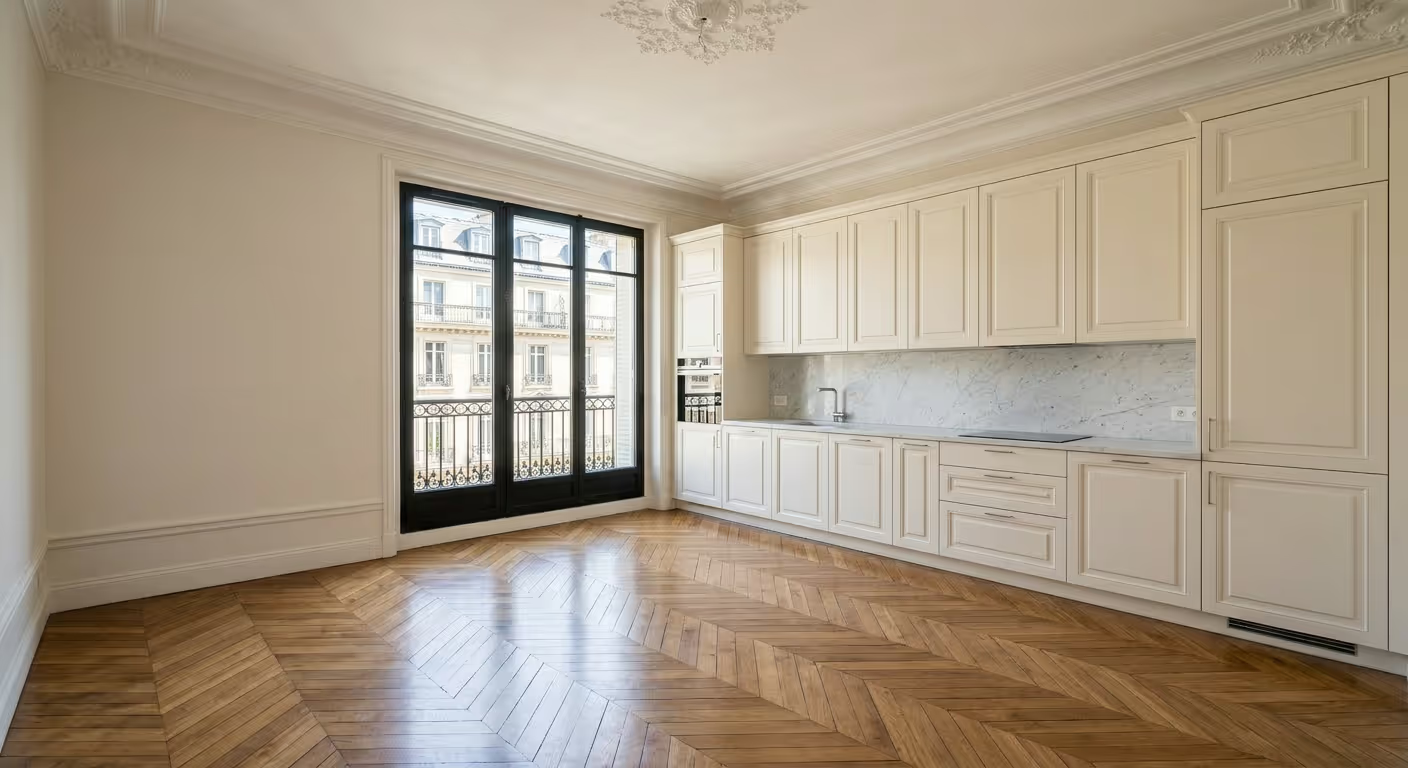

A tidy room, without going back to clean it
Toys on the floor, a blanket on the sofa and papers on the table look even busier when the camera moves past them. Declutter clears floors, tables and surfaces before the photo is animated.
Watch how it's done, step by step
Short walkthroughs from inside Amplifiles. Follow along with your own listing photos.
How to do virtual staging
Furnish an empty room in Creative Mode, pick a style and animate the staged photo into your listing video.
How to add people to your video
Place AI actors into a listing photo so the room feels lived in, then turn the scene into a clip.
For the shots that deserve a little more
AI close-up
Describe a detail and the AI creates a tighter frame from your wide shot. A slow push toward it makes a strong hero clip.
Add elements
The small things that make a scene feel real. Save your own, like a branded sign, and reuse them in every listing video.
Remove objects
Describe what shouldn't be in the shot. Distractions disappear before the camera starts moving.
Quick fixes or bigger changes. Same video
Most listing videos use a few Quick Animation edits and save Creative Mode for the one or two shots that matter most.
Picked with your animation
For photos that are almost right: flat light, a messy room, a blank TV or a cold fireplace.
For the shots that sell the lifestyle
For empty rooms, lifeless scenes and details you want buyers to notice.
One upload. Two versions of the video
Staging and added people are great for social and ads. Most MLS rules expect the property shown as it is, and California's AB 723 has required disclosure of altered listing images since January 1, 2026. Make both videos from the same photos.
Read the guide to AI staging disclosure laws.
Image edits, answered
Something else? See pricing or start free and ask us in the chat.
What image edits can I make in Amplifiles?
Quick Animations includes Time of Day (sunrise, midday, afternoon, sunset, twilight and night), Declutter, Cinematic TV and Flickering Fireplace. Creative Mode adds virtual staging, add people, add elements, remove objects and AI close-ups, plus custom AI prompts. Every edit happens inside the video editor, so the edited photo goes straight into your listing video.
Do image edits cost extra?
Time of Day, Declutter, Cinematic TV and Flickering Fireplace are included in the Quick Animation price of $1.50 per image. Creative Mode edits are $0.20 per edit, and the clip is animated at $0.30 per second. A 5 second clip of a staged room costs $1.70 in total.
Do I need to edit every photo?
No. Most listing photos animate well as they are. Use edits on the shots that need them, like a flat midday exterior, a busy kitchen or an empty living room.
Can I use the edited photo outside the video?
Yes. Edited photos can also be downloaded as images, so the twilight exterior in your video can go on social media or a portal too.
Do edits change the property itself?
Virtual staging and add people only add styling and lifestyle elements. Walls, floors, windows and architecture stay as they were photographed. Edits that change what buyers see should be disclosed.
Can I use a video with edited photos on the MLS?
Most MLS rules expect the property shown as it is and require disclosure of digitally altered images. California's AB 723 made disclosure mandatory from January 1, 2026. A common workflow is one video with staging and people for social and ads, and a clean version for the MLS, both made from the same upload.
Better photos. Better listing videos
Upload your listing photos, fix the ones that need it and have your video ready in minutes.
1,200 free credits. No credit card required.