.webp)
Every listing gets a video. Not just the ones with big budget
Amplifiles turns the listing photos your agents already paid for into finished, on brand real estate videos in about five minutes. One account, one credit pool, and a cost of roughly $10 a listing instead of a production invoice.
1,200 free credits. Enough for a full video from 8 photos, no card required.





Used by agents and marketing teams at





Real estate video that scales with your brokerage
Fast enough to keep pace with new listings, and affordable enough that nobody has to pick which ones deserve a video.
Video is the one asset you can't make for every listing
A brochure, a social post or a listing page, you can make for any property that lands on your desk. Video is different. Whether a listing gets one depends on its price and on how much budget is left this quarter.
- Cost per listing decides coverage. At $300 to $500 a shoot, video goes to the listings that can carry it. The rest get a photo carousel.
- The calendar is not yours. A shoot has to be booked, filmed and edited. The listing goes live long before the video does.
- Agents fill the gap themselves. When marketing cannot deliver, agents make their own, and brand consistency quietly leaves the building.
- You get asked to prove it. Coverage, turnaround and cost per asset are the numbers you report on. Video makes all three look bad.
Sources: Hemnet study, National Association of Realtors (NAR)
"Amplifiles has been a great solution for our listings with smaller marketing budgets. It's simple to use, creates professional videos from images in minutes, and helps us add more impact to our marketing without extra resources."
Full coverage costs less than four shoots
Your agents already pay a photographer for every listing. Those photos are the raw material. Animating them is the cheapest step in the entire marketing chain.
That is about $12 a listing video, with 80 images a month still left over for reworks and social cuts.
You are not buying video production. You are animating photos you already own.
There is no shoot day to book, no crew to brief and no editor to queue behind. A coordinator uploads the photo set, picks the motion, and the finished video is back in about five minutes.
Because the cost per listing lands near $10, the decision about which listings get video stops being a decision. Every listing gets one, including the $180,000 condo that could never justify a crew.
Credits roll over while the subscription is active and stay valid for 12 months, so a quiet month is not money burned.
Plans also come smaller, from $29 a month. Every feature is included on every plan, pay as you go too. See all plans
A 30 minute call. Bring your monthly listing count and we will work out the plan and the per listing cost.
It fits into a marketing coordinator's afternoon
Browser based, nothing to install, and nothing for your agents to learn. If someone on the team can build a listing page, they can build the video.
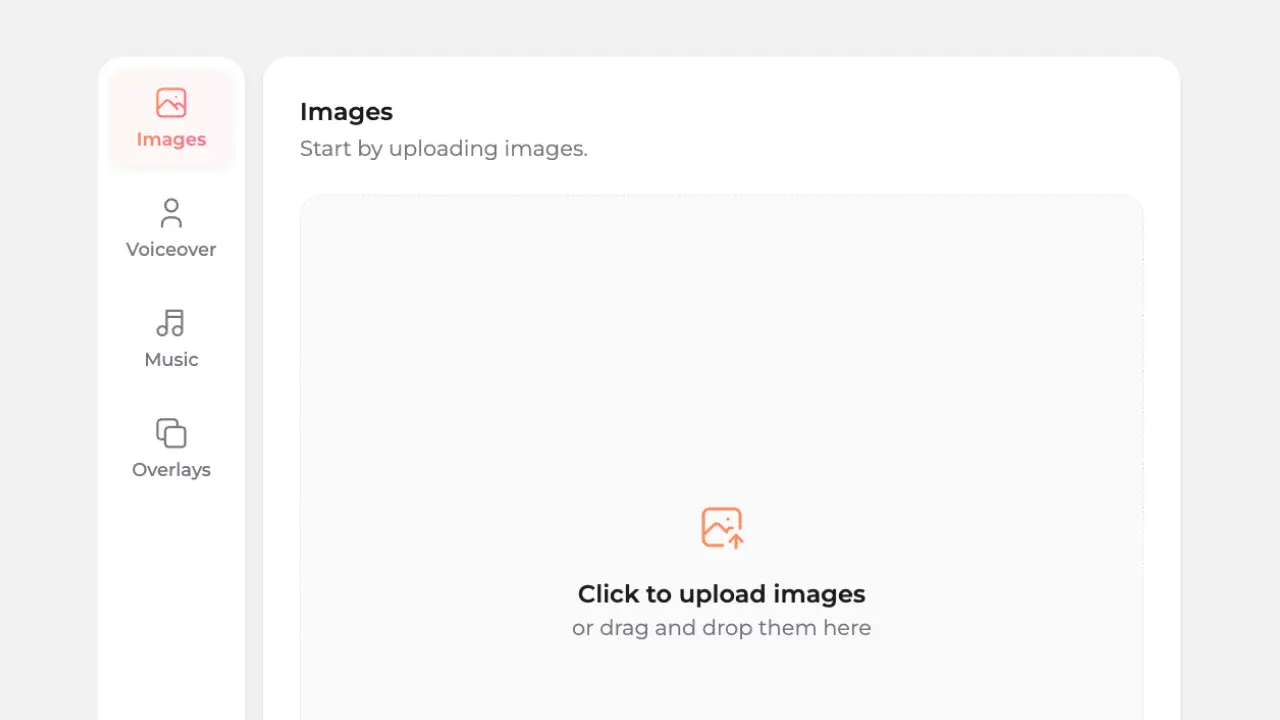
Upload the photos from the shoot, or paste the listing URL and let the system pull them. Common sizes and layouts are handled for you.

Pick camera moves, add music, captions and a voice-over, and drop your logo on the outro. Same choices on every listing keeps output recognisable.
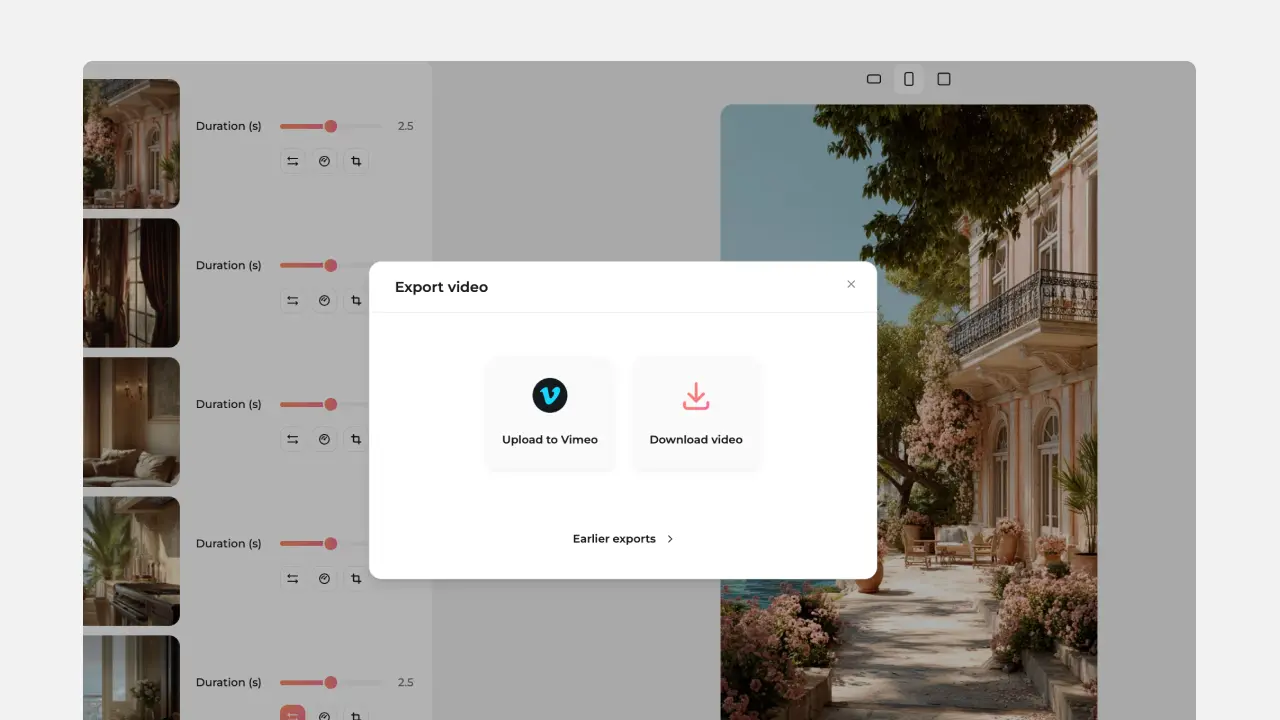
Export vertical, square and horizontal from the same project, watermark free. Download the files or share a link with the listing agent.
Your team shares one account and one credit pool, so there is a single place to see what was produced and what the month cost.
What every listing could look like
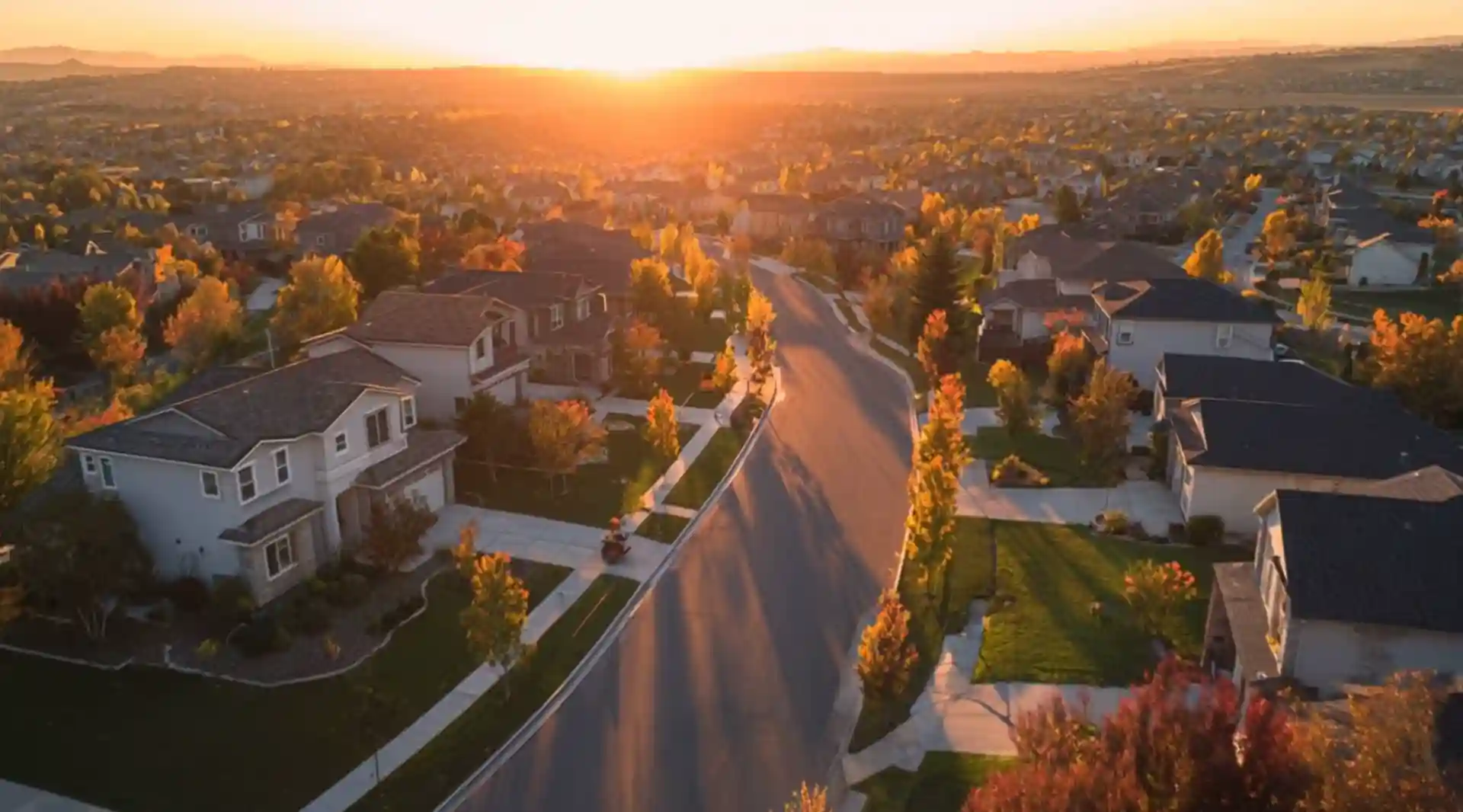
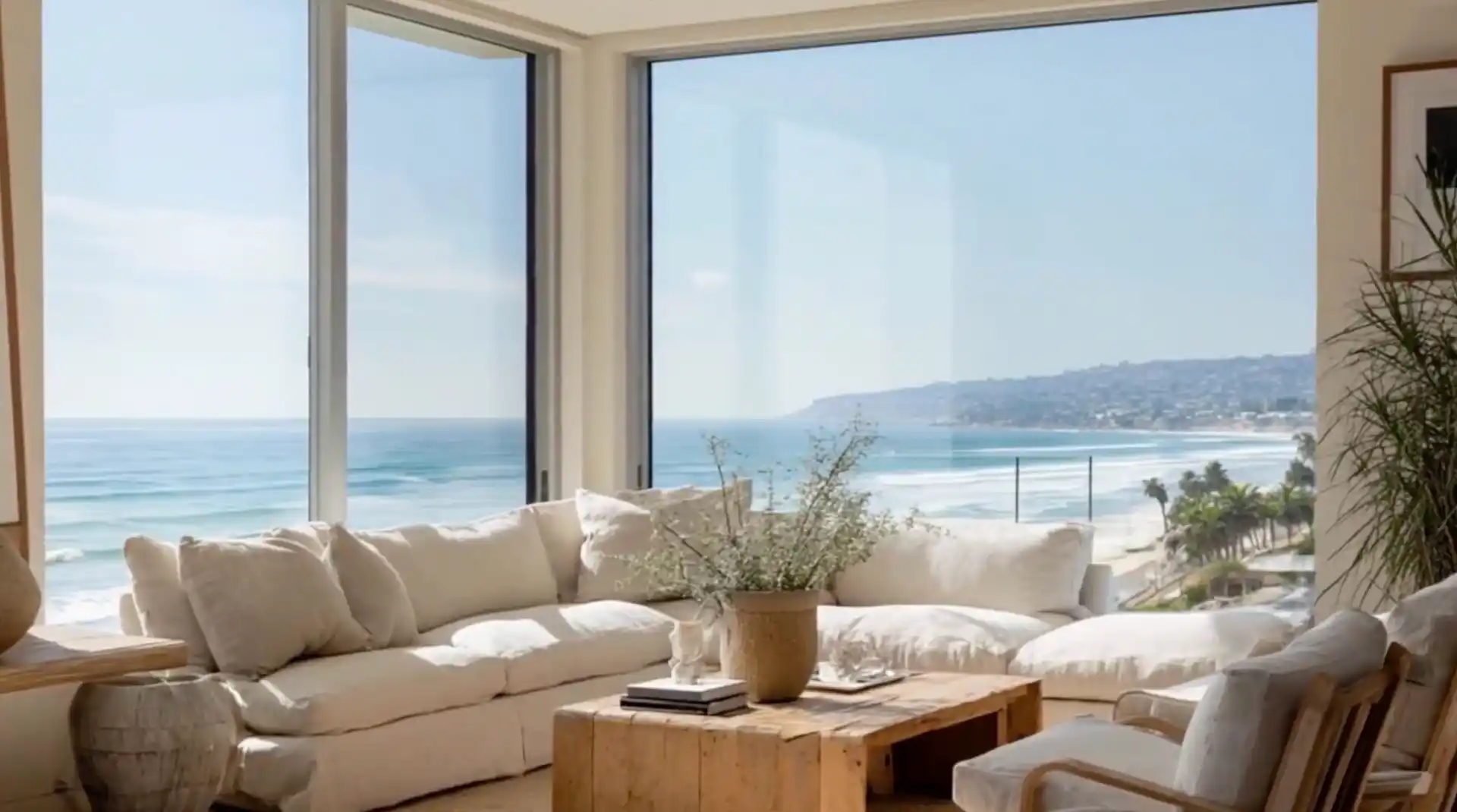
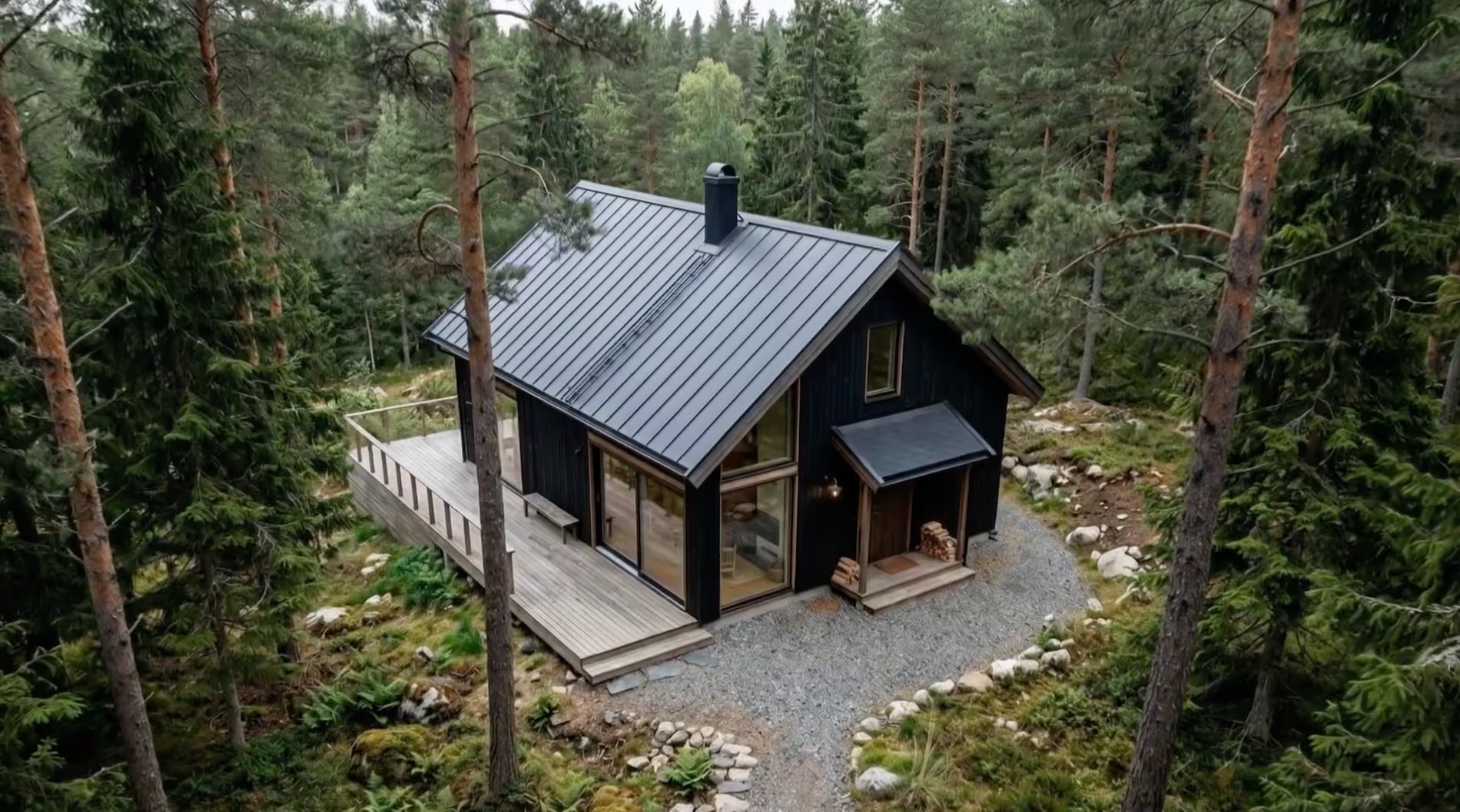
Each real estate video below started as a folder of listing photos. No camera went back to the property.

One listing is not one asset
Duplicating a finished video copies its animations, overlays, music and branding, and the reused animations do not cost credits again. A second and third version are free to build.
Duplicate a finished video and change the opening shot, the on-screen text or the music. The animations carry over free, so you can run two hooks against each other instead of guessing which one lands.
One listing, two files. The MLS version built from the original photos, and a punchier version with staging and effects for paid and organic. The second one starts as a copy of the first.
Download the animated clips as a ZIP rather than only the assembled video. A ten photo listing becomes ten short assets for Reels, Stories and ad creative.
Use a finished video as the starting point for the next one, or browse and pull animations from earlier projects. The tenth video takes less work than the first.
Forty listings that look like they came from one brokerage
The reason marketing teams keep video in house is control. These are the levers that keep output looking the same whichever coordinator built it.
More than 30 one-click effects across six categories. Agree on a house set, for example Push In on interiors and Drone Up on exteriors, and every video follows it.
Add your logo to the video outro and place text and graphic overlays on the video to match the brokerage look.
Save your own elements once, for example a brokerage yard sign, and drop them into any listing later so the visual signature repeats.
Time of Day shifts a flat midday exterior to sunrise, sunset or twilight, so listings shot in different weather still sit together in a feed.
Generate narration from text and automatic captions, and choose the language. Useful when the same listing needs a second language cut.
Subscriptions include ten free re-animations per image, so a coordinator can land the shot before the agent ever sees it.
The MLS cut and the social cut, from the same photos
Marketing teams carry the compliance risk, not the agent who posts the reel. Amplifiles is built so the two audiences get two different files rather than one risky one.
Camera moves, timelapses and ambient motion leave the property as photographed. Virtual staging, added people and added elements change the image, and that is where local rules apply.
Build one clean cut with the original photos and camera motion for MLS and the portals. Build a second cut with staging, lifestyle figures and special effects for social and paid ads.
Many MLS systems do not allow visibly altered listing imagery on official listing pages, and most require disclosure when images have been digitally staged or altered. Rules vary by region, so check your local MLS guidelines. Common wording is Virtually staged image or Digitally staged for illustrative purposes.
You keep commercial rights to everything generated from your own listing photos, and no output carries a watermark on any quality tier.
Keep it in house, or hand us the overflow week
Most teams do both. The coordinator handles the steady flow, and the spring listing surge goes to our editors instead of to a freelancer.
Your team builds them
From $1.00 per animated image on a volume plan. Everything is included, no per feature upsell.
Our editors build them
$29 a listing in beta, normally $59. Send the photos, get finished files back the next day.
What lands in the agent's inbox
1080p on every plan, with 1080p Enhanced and 4K available for premium listings and large screens.
9:16 for Reels, TikTok and Stories, 1:1 for feed, 16:9 for MLS, portals, YouTube and email.
Royalty free tracks or your own audio, generated narration and automatic captions in your chosen language.
Videos made from your own listing photos are yours to publish anywhere, including paid ads.
The two questions marketing leads ask first
Will it look AI-made, and will it actually hold up at volume.
"I looked at a few similar tools but was hesitant after reading the reviews. I expected it to look obviously AI-made, but Amplifiles wasn't like that at all. If you didn't know the videos were AI-generated, you'd never be able to tell."
"I've tried dozens of AI video tools over the years, but Amplifiles is the one I keep coming back to. It dramatically reduces the time it takes to create high-quality videos. The workflow is smooth and it just gets the job done without fuss."
"Amplifiles has been a great solution for our listings with smaller marketing budgets. It helps us add more impact to our marketing without extra resources."
Questions marketing teams ask
Can several people on our team work from the same account?
Yes. A marketing team can share one account and one credit pool, so a coordinator, a marketing manager and a designer can all produce videos without separate billing for each person. If you want a specific setup for a larger office, raise it on a call and we will work out what fits.
How many listings a month can we realistically cover?
Volume is measured in animated images, not in videos, so it depends on photo count. A typical listing video uses 8 to 12 photos. At 10 photos per listing the Studio plan covers 48 listings a month, Agency covers 80 and Enterprise covers 120. Unused credits roll over while the subscription is active and stay valid for 12 months.
Do our agents need to learn anything?
No. Most brokerages run this inside the marketing team and deliver finished files to the agent, which is also how brand consistency stays intact. If an agent does want to build their own, the tool is browser based with nothing to install and no editing experience needed.
Can we keep videos on brand?
Today that means a consistent motion recipe across listings, your logo on the video outro, text and graphic overlay elements, and your own saved elements that can be dropped into any listing. Broader branding controls such as brand colours and agent contact cards are on the roadmap rather than available now, so plan around what is listed here.
Are these videos safe to put on the MLS?
A cut that uses the original photos with camera motion does not alter the property, and that is the version most teams submit. Virtual staging, added people and added elements do alter the image. Many MLS systems do not allow visibly altered imagery on official listing pages, and most require disclosure when images have been digitally staged or altered. Rules vary by region, so check your local MLS guidelines and keep a clean version for submission.
What happens in a quiet month?
Credits roll over for as long as the subscription is active and remain valid for 12 months from the date they were added. Plans can be upgraded, downgraded or cancelled from account settings, and there is no long term contract.
What if we get a surge we cannot staff?
Hand those listings to our editors. The done-for-you service is $29 a listing in beta, up to 12 photos, delivered within 24 hours in three aspect ratios with revisions until the agent is happy. Teams often use it for launch weeks and holiday cover rather than as the default.
Work out what full video coverage would cost you
Bring your monthly listing count and your average photo set size. We will map it to a plan and a per listing number you can take to a budget meeting.
1,200 free credits. Enough for a full video from 8 photos, no card required.