.webp)
Add people naturally to listing photos with AI
Empty rooms feel like spaces. Rooms with people feel like homes. Drop AI lifestyle figures into your listing photos in under a minute inside Creative Mode. A couple on the sofa, a family at the kitchen island — then turn the scene into a 1080p listing video from the same upload.
How to add AI actors
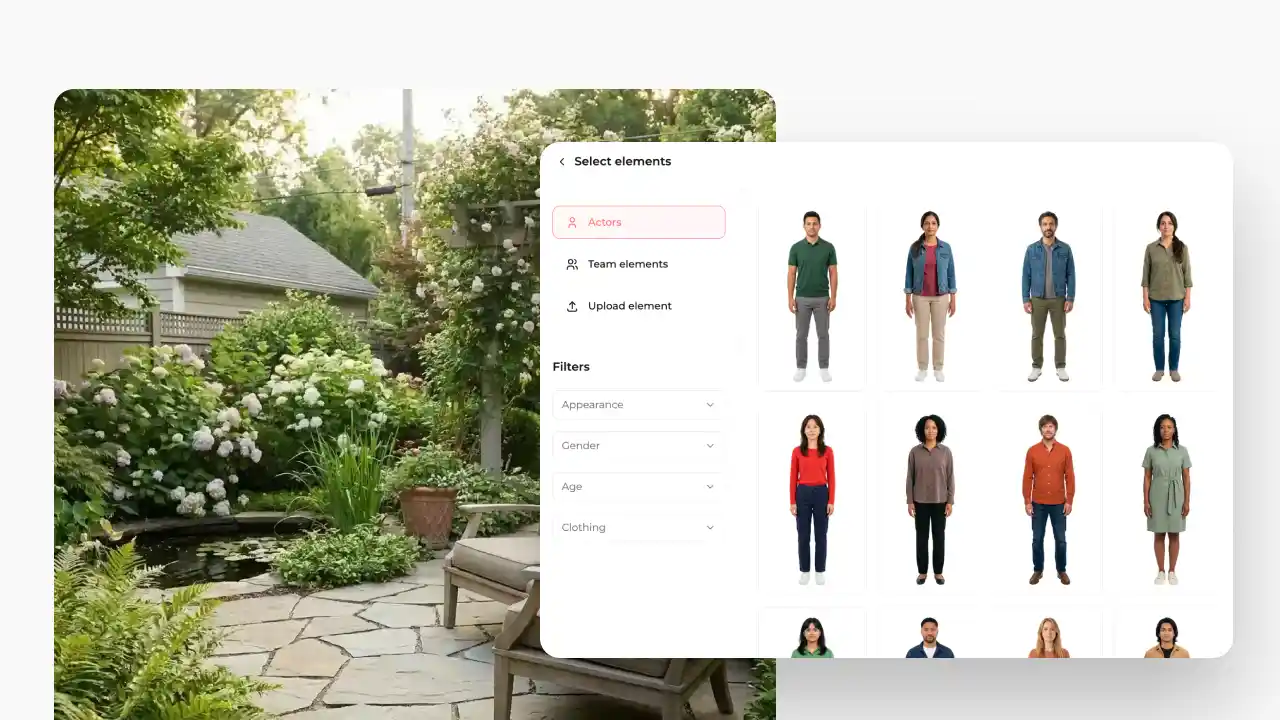
1. Edit photo in Creative Mode
Open Creative Mode and edit your photo. Choose from 3,000+ ready made actors and place them naturally into your property photos.
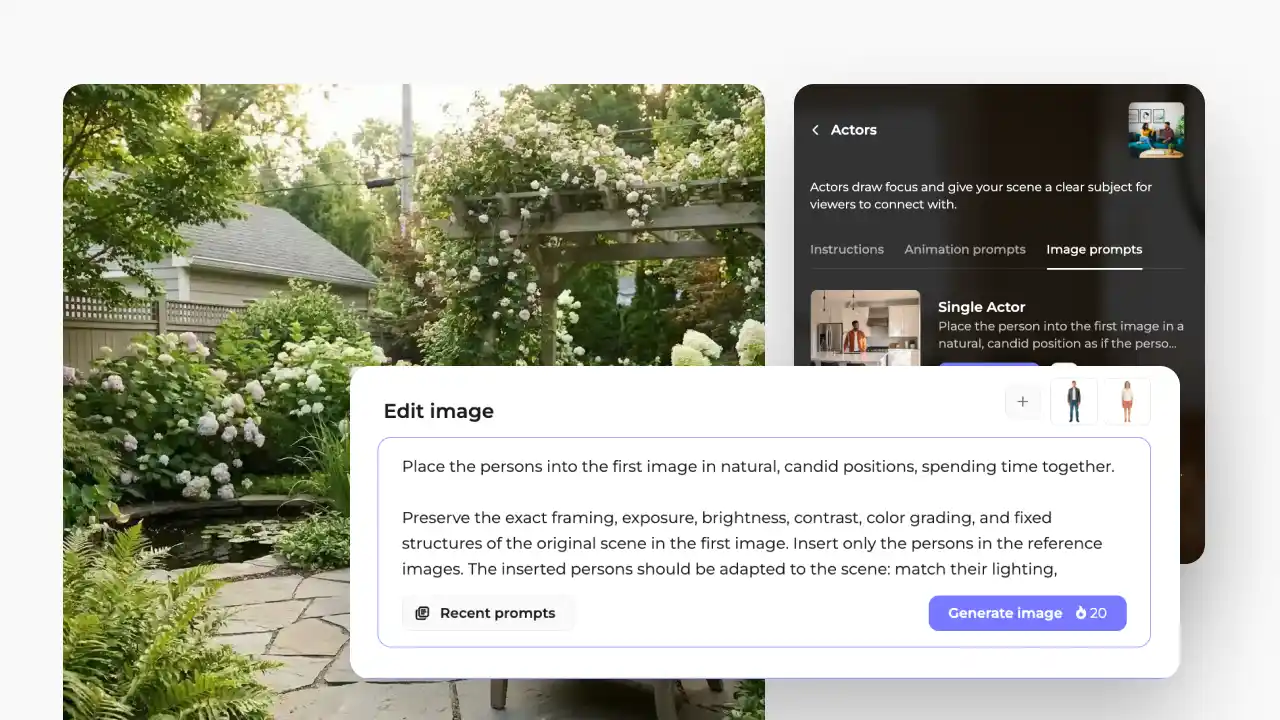
2. Choose an effect or prompt
Choose a ready made Actors effect from the sidebar, or write a custom prompt to add people naturally into your scene.
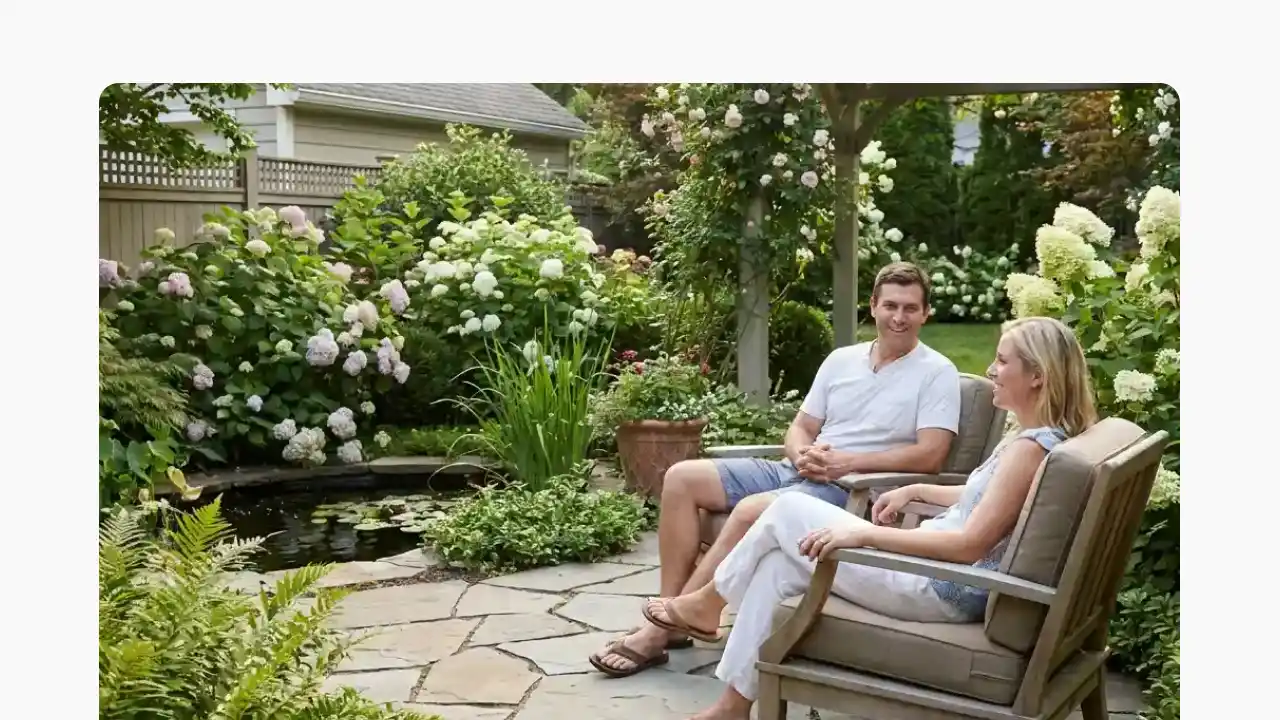
3. Re-generate or animate
People are naturally blended into your image. Re generate different versions or use the edited image in an animation.
Create scenes that feel lived in
Choose from 3,000+ ready made actors or write your own prompt. Add people, pets, vehicles, and other lifestyle elements that are naturally blended into your property photos.
%201.webp)
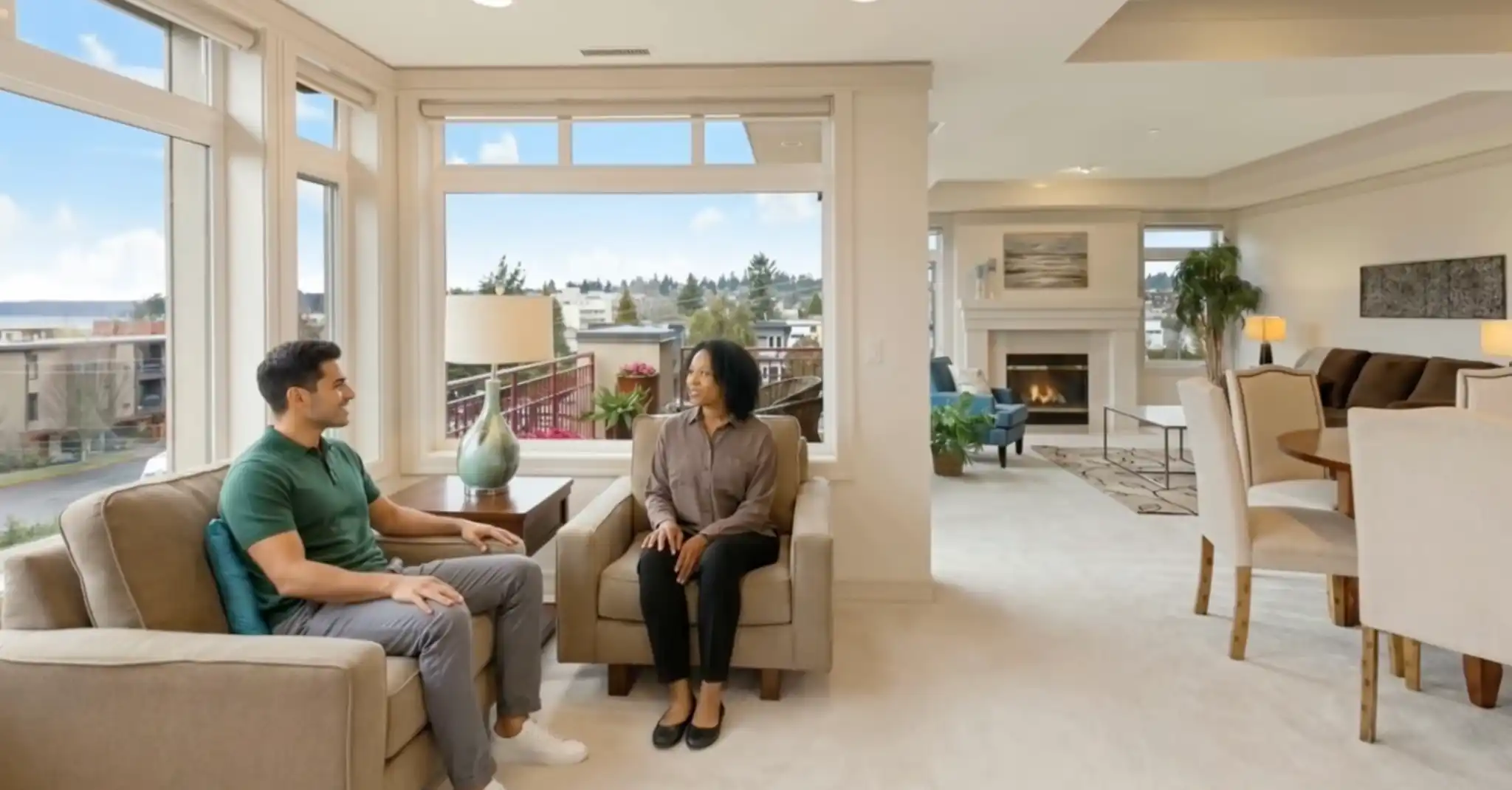
Buyers don't picture square footage. They picture themselves.
A photo of an empty living room asks the buyer to do the imaginative work. Most won't. They scroll.
The fastest way to create an emotional pull is to show the space being lived in — someone reading by the window, a couple at the dining table, kids in the backyard. It's the difference between a property and a lifestyle, and lifestyle is what sells on social.
The catch has always been cost. Hiring models, a photographer, and booking a shoot runs into the hundreds or thousands per listing, and you can't do it for a vacant home.

.webp)
Real people vs. AI actors
$500–$2,000 / shoot
$0.20 / image edit
What is AI lifestyle staging and why it makes sense?
AI lifestyle staging uses generative AI to add people — general lifestyle figures, not real, identifiable individuals — into a photo of a room or space. The figures appear at realistic scale with natural lighting and shadow, so an empty listing reads like a lived-in home.
Only the lifestyle layer is added. The room, windows, and architecture stay exactly as shot, so buyers see the real space and an instant sense of how it feels to live there.
Add People is one of six Creative Mode effects in Amplifiles. Apply it in one click while editing, then render the same upload into a 1080p listing video.
Watch examples of AI actors used in the video
Actors help viewers imagine themselves in the scene.
.webp)

Frequently asked questions.
AI lifestyle staging uses generative AI to add people — general lifestyle figures, not real, identifiable individuals — into your listing photos. The figures appear at realistic scale with natural lighting, so an empty room feels like a home buyers can picture themselves in.
No. Add People generates general lifestyle figures, not real, identifiable individuals. You can't recreate a specific person, which keeps the feature simple and avoids likeness and consent issues.
Each Add People edit is $0.20 and finishes in under a minute. Turning a scene into a 5-second listing clip is $1.70 — $0.20 for the edit plus $1.50 for the animation.
Generally no. Most MLS rules expect listing photos to show the property as-is, so use Add People images for social and ads and keep a clean version for the MLS — Amplifiles makes both from the same upload. See our full guide to staging disclosure laws for the state-by-state breakdown.
Yes. Add lifestyle figures to your photos for $0.20 per image, then turn any scene into a 1080p listing video — all from the same upload.
Use it for social and ads. Keep the MLS version clean.
Photos with added people are perfect for social posts and paid ads, where lifestyle scenes drive engagement. For the MLS, most rules expect the property shown as-is, so keep a clean version there. California's AB 723, effective January 1, 2026, also requires disclosure when listing images are AI-altered.
Amplifiles makes the two-version workflow easy: create your Add People scene for marketing, keep the original photo for the MLS, and add a disclosure overlay whenever you need one — all from the same upload. Read the full disclosure guide for a state-by-state breakdown.