.webp)
Turn listing photos into a real estate video in 5 minutes. For $1.50 an image
Amplifiles is the AI video tool built for one thing: property listings. No subscription, no shoot day, no editing software. Upload your photos or paste a Zillow link, and get a share-ready video in minutes.

50,000+
AI property videos created
75+
countries with active users
94%
love their first video
5 min
from photos to video
How to turn your listing photos into a video
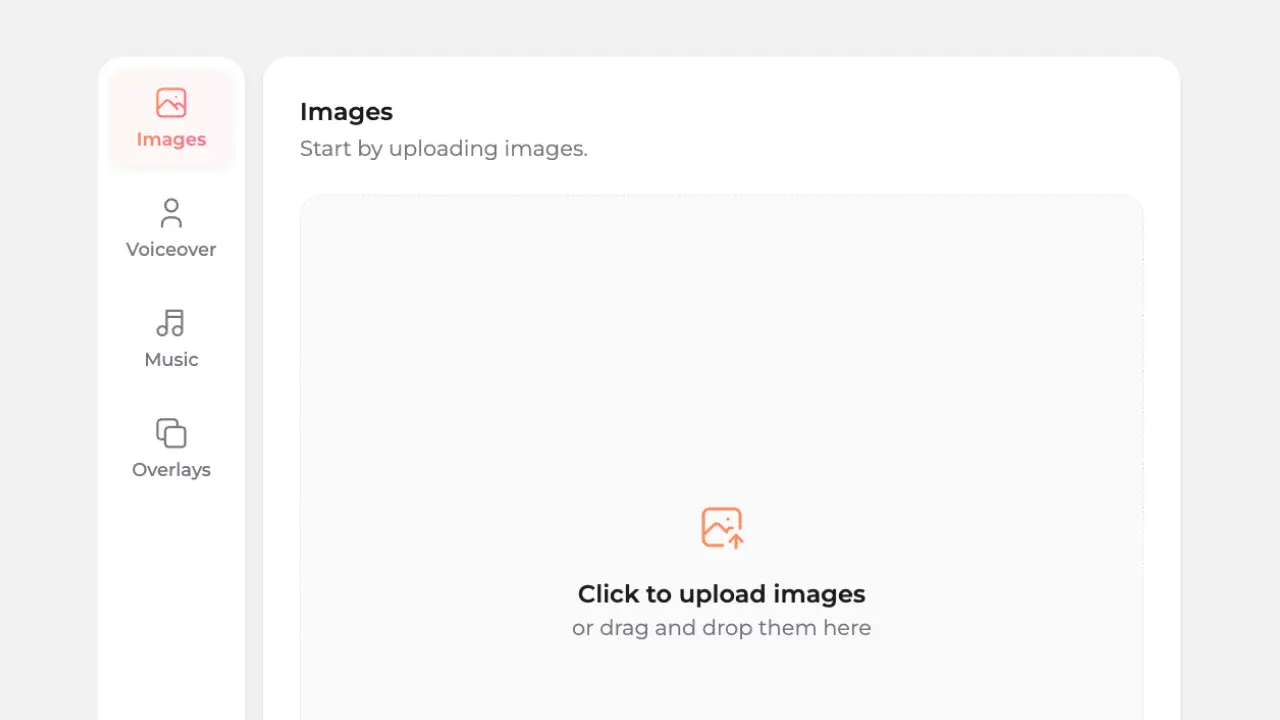
1. Upload your photos, or paste the listing link
Drag in the listing photos you already have, or paste a link from Zillow, realtor.ca, Rightmove, or Domain and Amplifiles fetches the photos for you. JPG, PNG, or WEBP, up to 30MB each. There is no cap on how many photos you add.

2. Pick your look
Choose camera moves (push in, pull out, drone shot, and more), add AI voice-over and captions, drop in music, and apply your branding. Quick Animations let you do it without prompting.
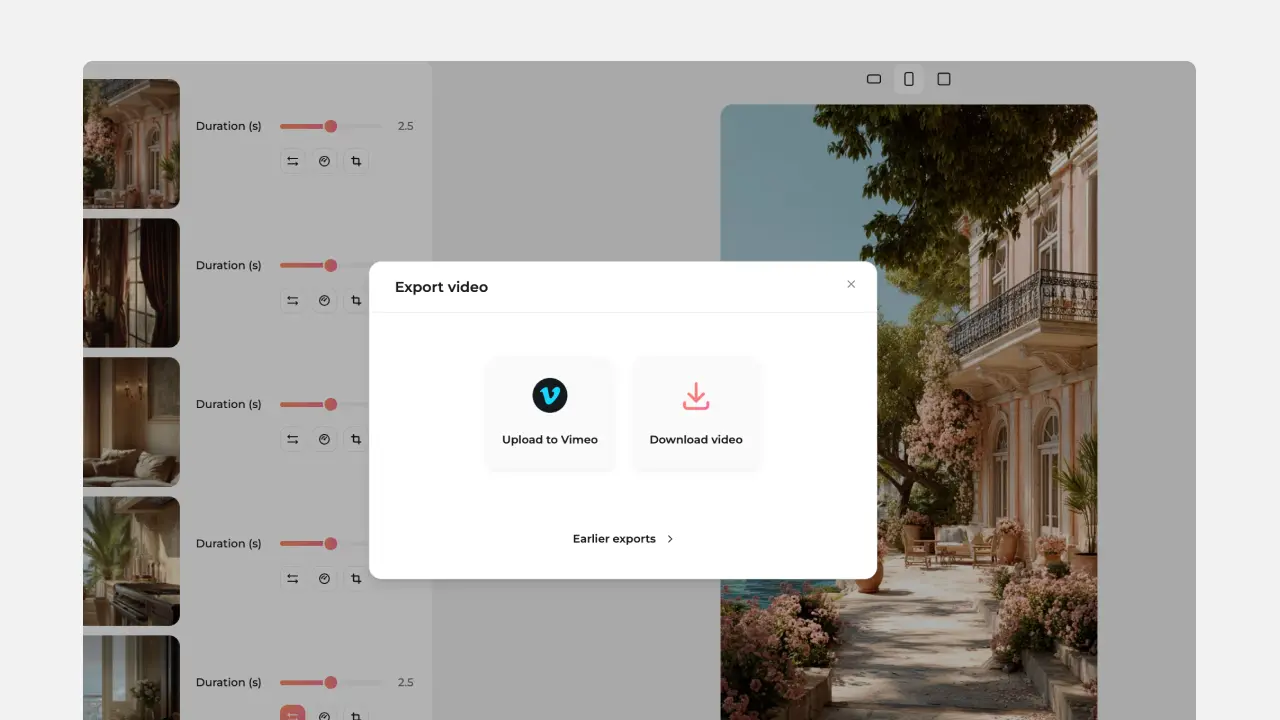
3. Export and share
Your video is ready in about five minutes, watermark-free at 1080p. Download the MP4, or export straight to the format each channel wants.
Trusted by top agents, brokerages, and real estate media professionals globally


Most AI video apps were built for everything. Amplifiles was built for one thing: real estate listings — priced so every listing can have a video, not just the luxury ones.
If you searched for another tool and landed here, this is the 30-second answer to "why switch."
.webp)

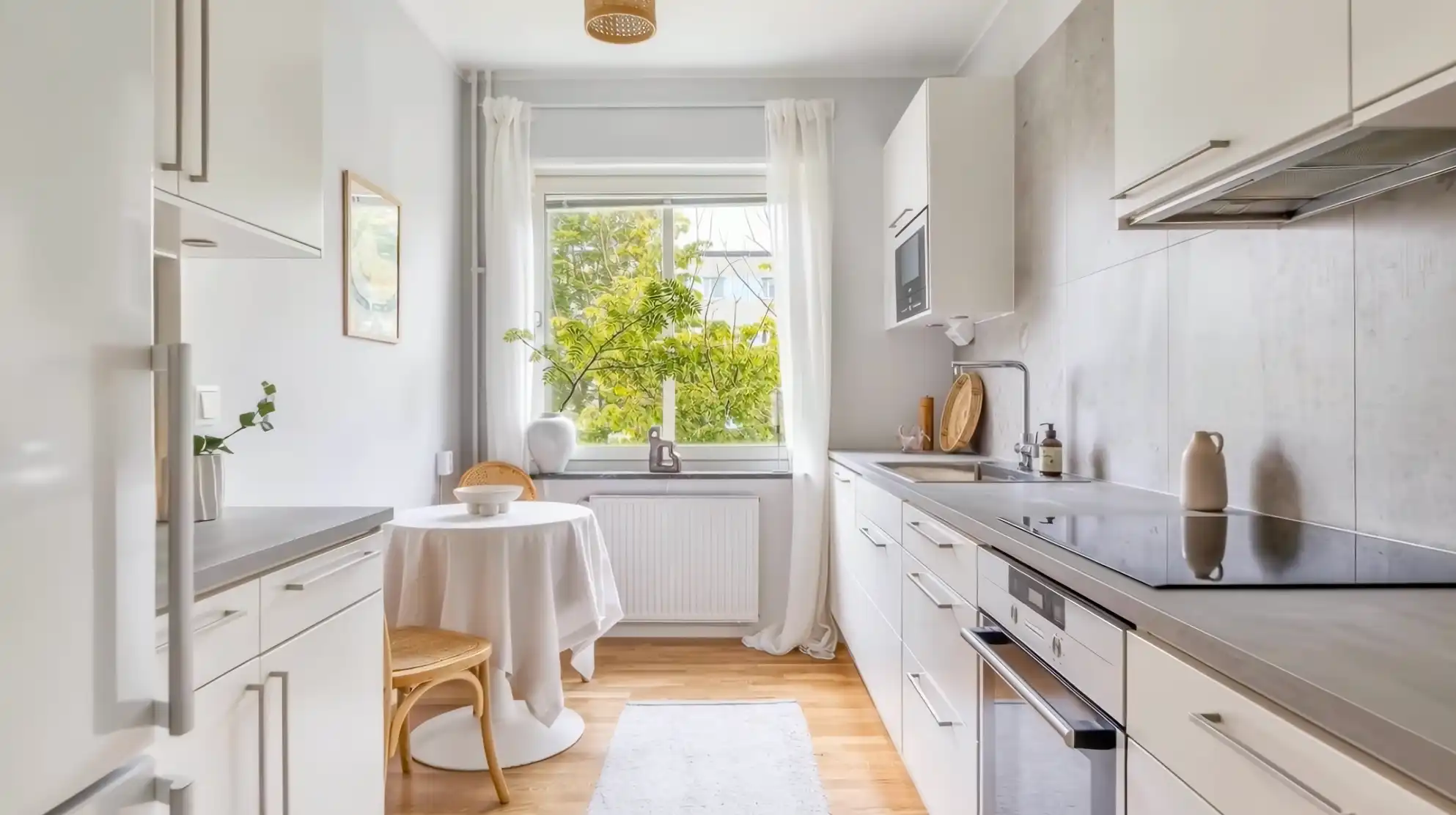

How Amplifiles compares to other AI photo-to-video tools
An honest look at what matters for a working agent: price model, real-estate-specific features, and what you actually ship at the end.
One project, every format your listing needs
Shoot once, export everywhere. The same project gives you the aspect ratio each channel expects, with no re-editing.

16:9 horizontal for the MLS, YouTube, and your listing website.

9:16 vertical for Reels, TikTok, and Stories.

1:1 square for feed posts and social ads.
Output quality: Standard export is 1080p and always watermark-free, even on the free credits. Need more resolution? 1080p enhanced and 4K are available on the same project.
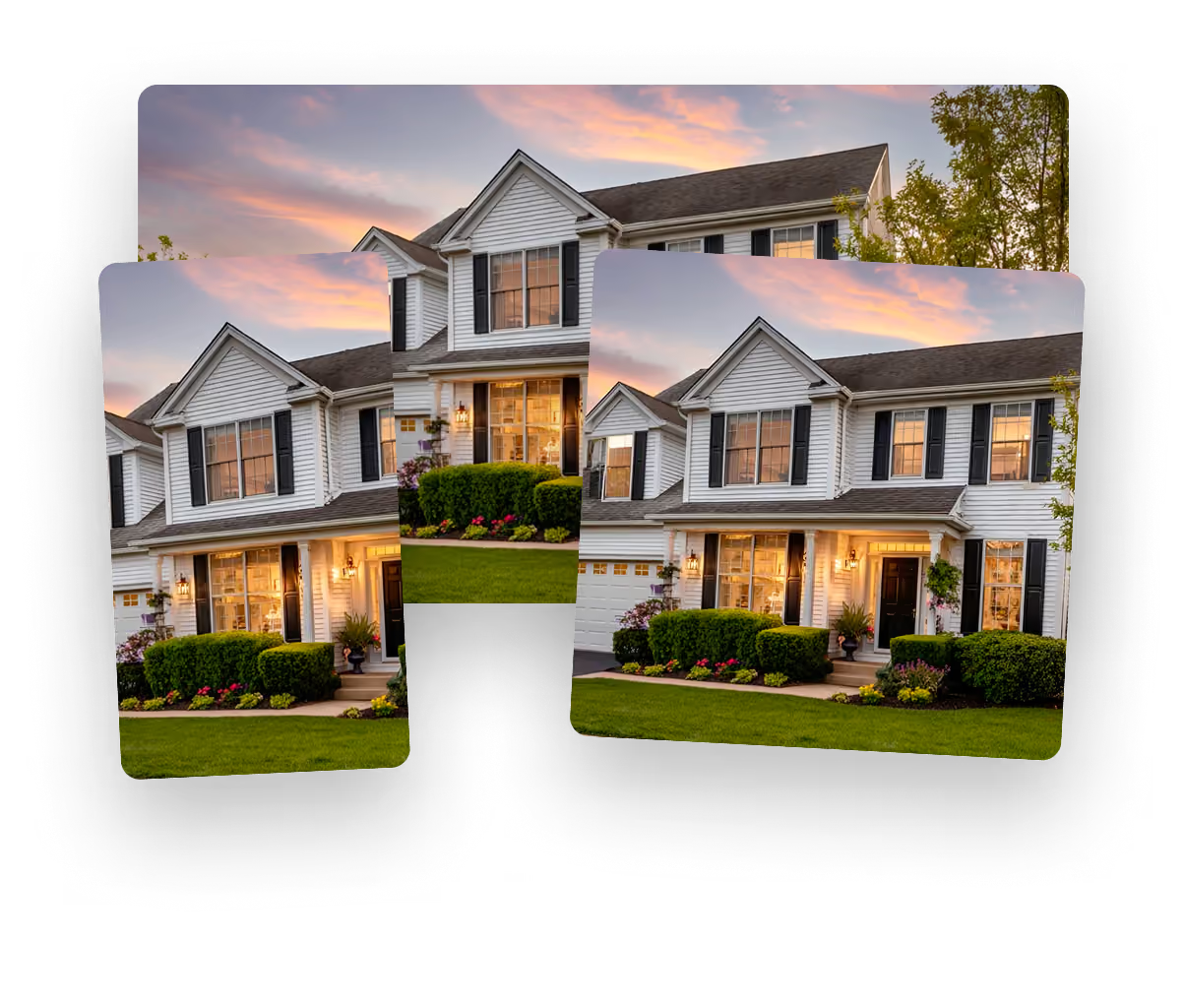
Make your first listing video free
Built for the people who market listings

Real estate agents & brokerages
Every listing gets a video, not just the luxury ones. Turn the photos you already ordered into a branded video for the MLS and your socials, without a videographer or a production budget. See how agents use Amplifiles.
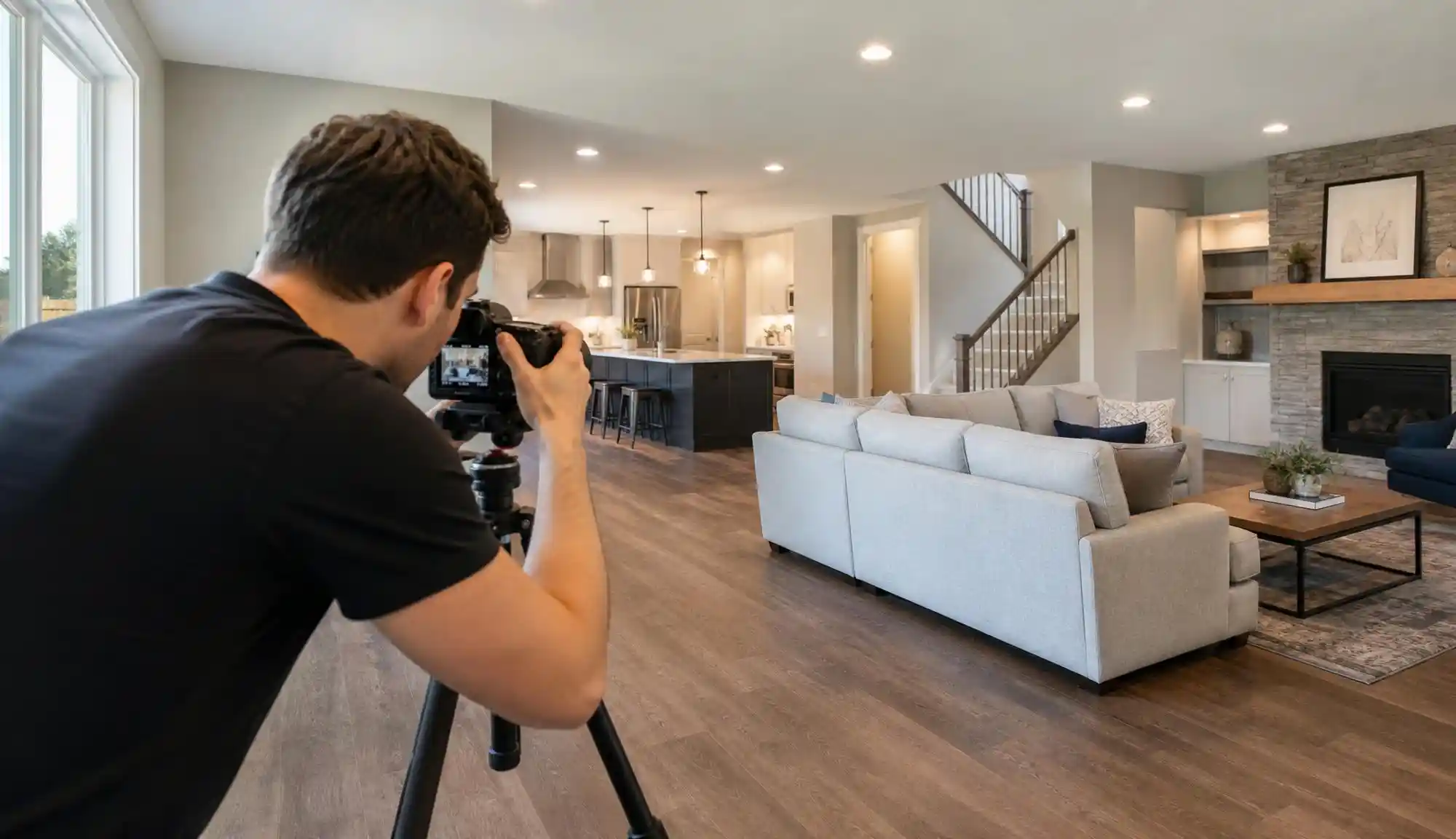
Real estate photographers
Add video as a high-margin upsell to every photo package. Deliver a finished listing video from the shoot you already did, with no extra time on site and no editing suite. For real estate photographers.
WHAT A REAL LISTING VIDEO COSTS
No subscription needed. You can pay per video.
Here's a typical 7-photo listing video, the kind you'd post to Reels, Zillow and email the same afternoon.
Subscriptions ($29–$1,199/mo) exist too and lower the per-image cost, but you never have to start there.
Explore pricing optionsYour first video is free with 1,200 credits. No card required.
Everything you are probably wondering
Upload your listing photos to Amplifiles, or paste a Zillow, realtor.ca, Rightmove, or Domain link and it fetches them for you. Pick your camera moves, voice-over, captions, and branding, then export. The finished video is ready in about five minutes.
With Amplifiles you pay $1.50 per animated image, so a 7-image video is about $10.50, once, with no subscription. A monthly plan lowers the per-image cost to as low as $1.00. You can also make your first video free with 1,200 credits.
Look for real-estate-specific animation, transparent per-image pricing, watermark-free output, and a free trial that produces a usable video. Amplifiles is built only for property listings, exports in MLS and social formats from one project, and lets you try a full video free with no credit card.
Yes. Every new Amplifiles account gets 1,200 free credits, which is a full video from 8 listing photos at 1080p, watermark-free, with all features unlocked and no credit card. The free video is yours to use on the listing.
Neither. Amplifiles runs in your browser and handles the animation, voice-over, captions, and music for you, and you can pay per video instead of subscribing. There is nothing to install and no editing skills required.
Export the same project in 16:9 for the MLS and YouTube, 9:16 for Reels and TikTok, and 1:1 for feed posts. Standard export is 1080p and always watermark-free; 1080p enhanced and 4K are available.