.webp)
Bring real estate listings to life with special effects
All you need is listing photos. Prompt yourself or pick from ready-made guides. Built for agents, brokers, and photographers who want full creative control.
More than camera moves. Welcome to the advanced layer of Amplifiles.
Creative Mode lets you create special effects like speed ramps, start–end frames, add people, or virtually stage rooms.
You can prompt your own effects, or pick from a library of ready-made guides built for real estate.
Prompt yourself or use a ready-made guides
Prompt your own VFX clips, or pick from a library of guides built for real estate. Either way, your clips combine with Quick Animations into one polished video.
Skip the prompting. Pick a guide tested on real listings.
Don't want to write prompts? Pick from a library of effects designed for real estate.
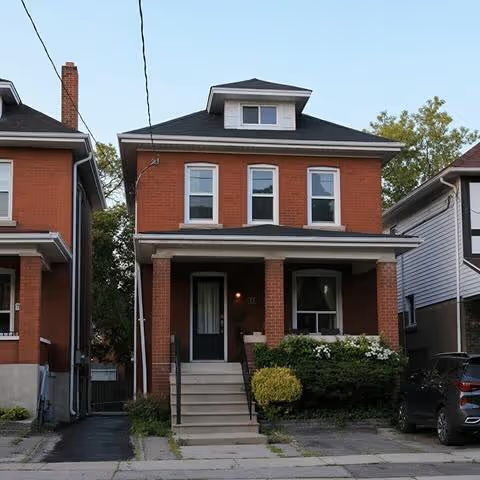

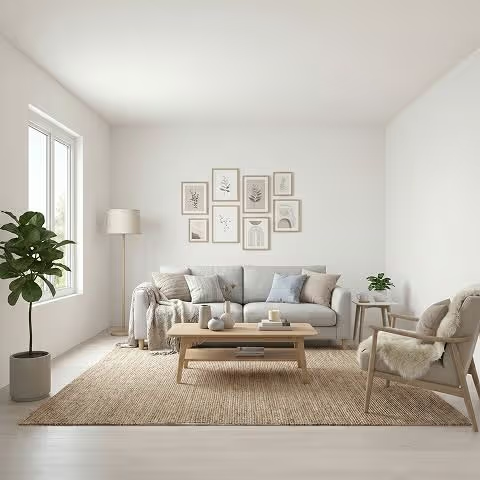

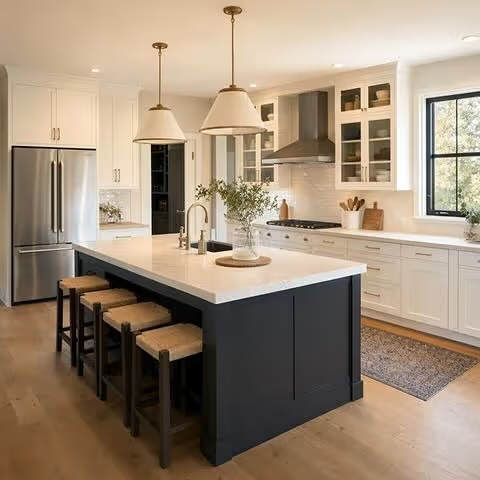
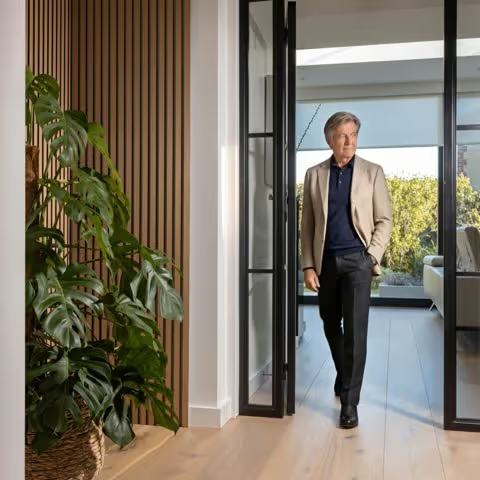
Type it. The AI generates it.
Animate a fireplace coming to life. A sunset moving across the kitchen. Anything you can describe.
> your prompt
A young couple sitting at the dining table, holding coffee cups, soft morning light through the window
See what you can do in Creative Mode
Videos below mixes Quick Animations with Creative Mode VFX clips. Basic camera movements on most photos, custom effects where they matter most. Watch how the two combine into one polished listing video.
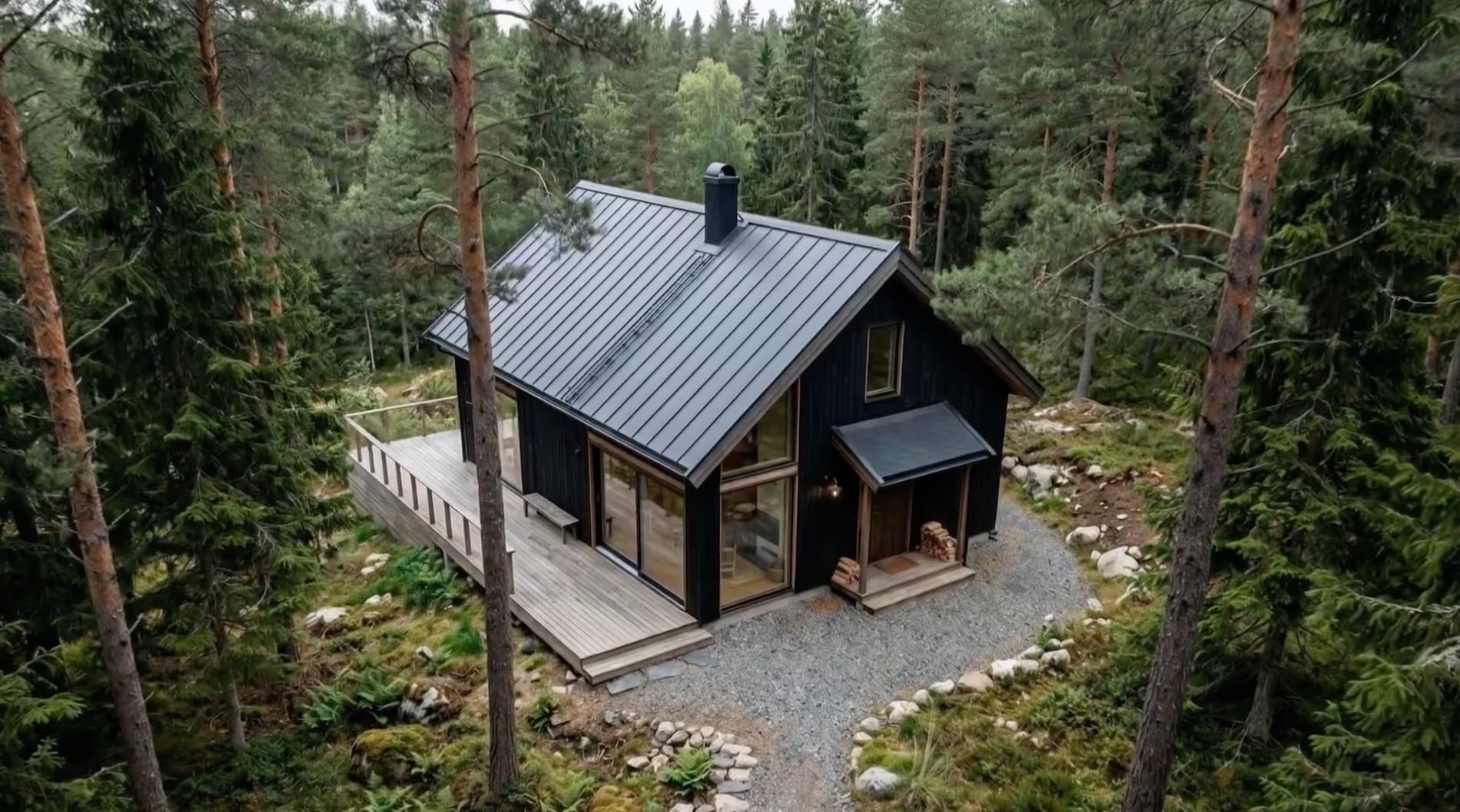
.webp)
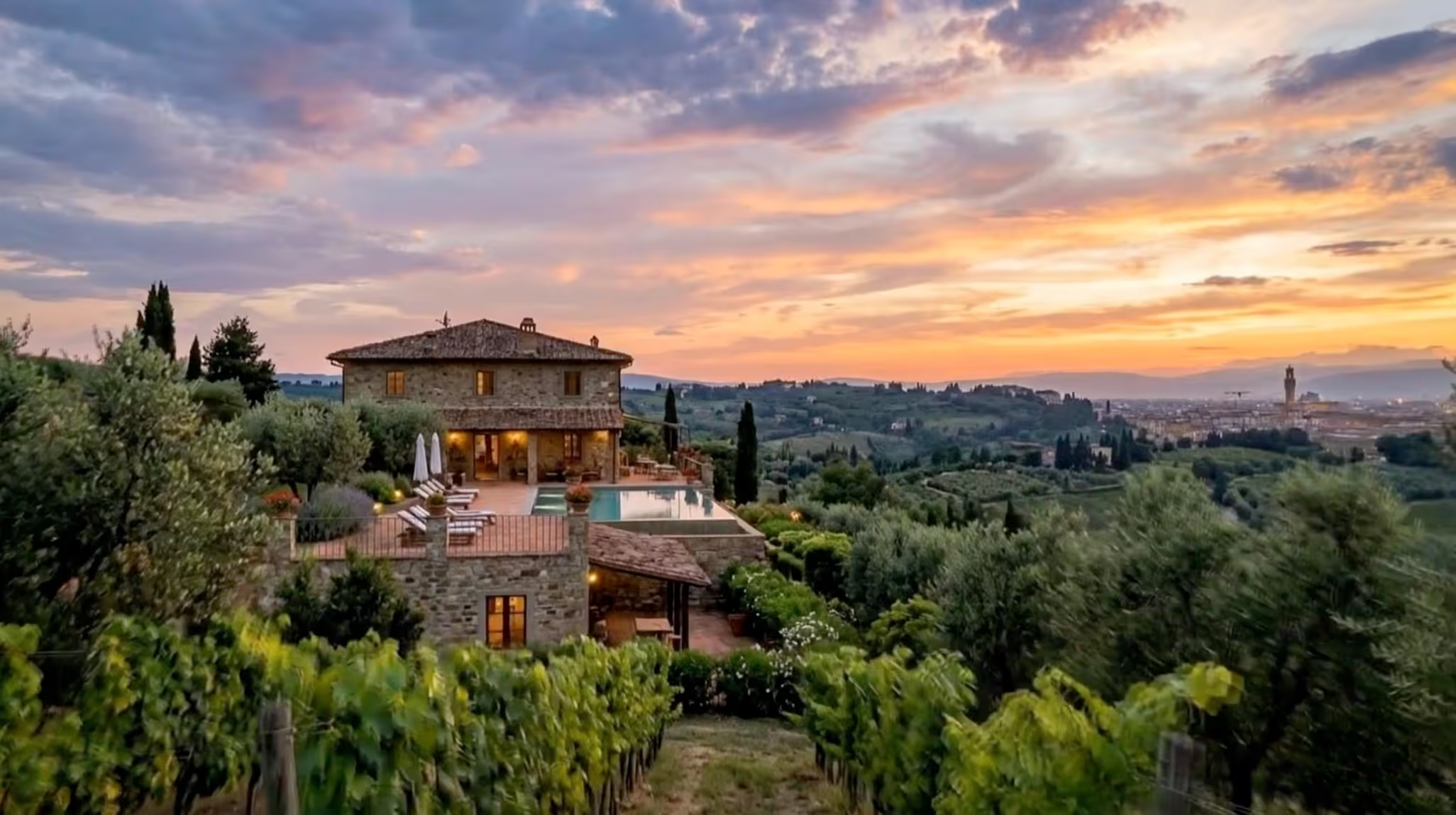
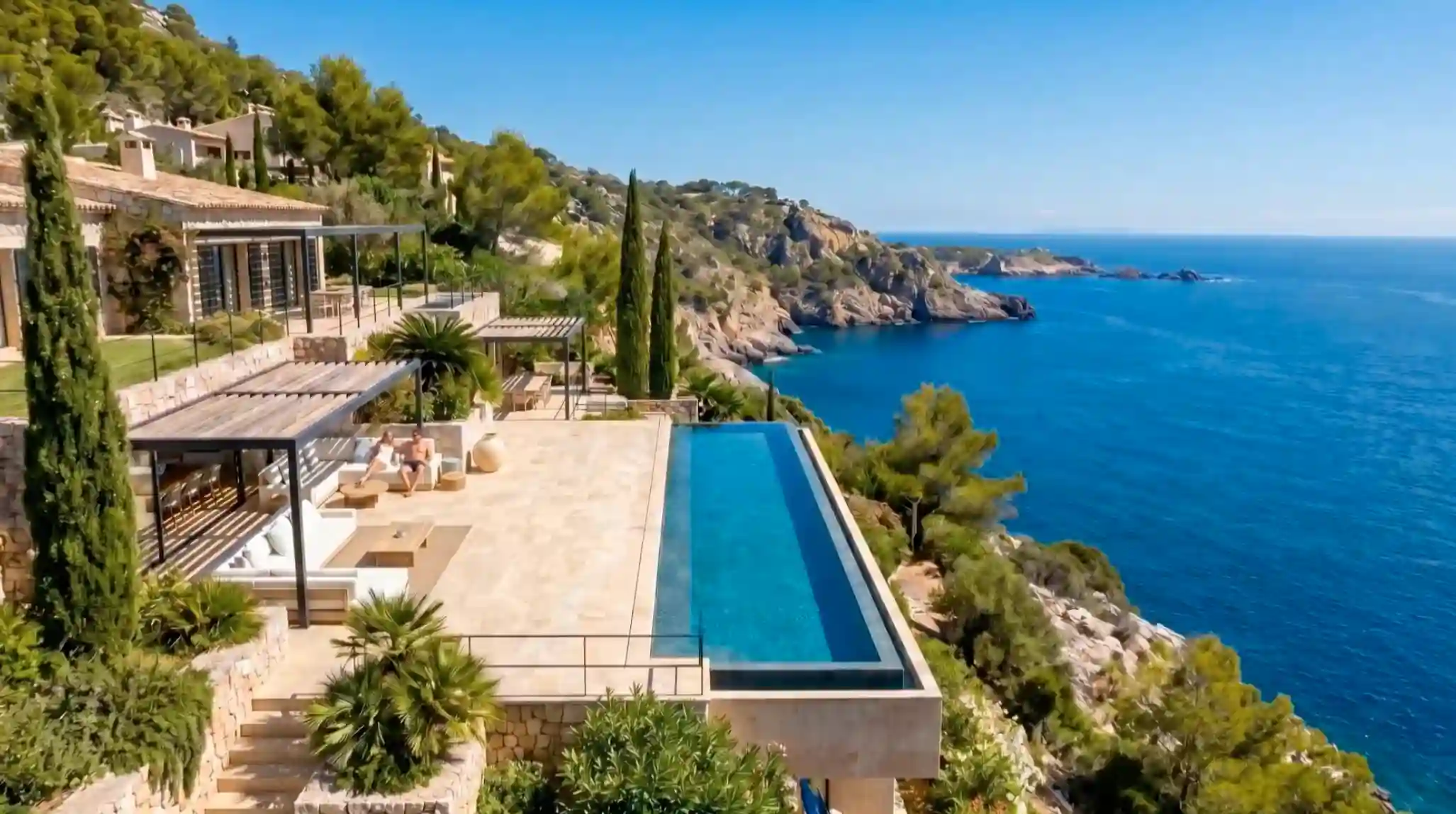

Special effects without writing any prompts
Guides are ready-made combinations that turn clicks into polished clips. No prompting required.
Per-second economics.
You control the length.
Quick Animations stays at $1.50 per image, always 5 seconds. Creative Mode uses the same per-second rate — but you choose how long each clip runs.
30 credits per second
Pay only for the seconds you use.
No subscription. No upgrade tier. New accounts get 1,200 free credits — enough to test every feature.
20 credits per edit
One price per image edit.
Virtual staging, add people, add elements, remove objects — all the same price.
| Clip type | Length | Cost |
|---|---|---|
| Short transition | 3 seconds | $0.90 |
| Standard clip | 5 seconds | $1.50 |
| Hero shot | 8 seconds | $2.40 |
| Long reveal | 10 seconds | $3.00 |
Questions, answered
Quick Animations apply cinematic camera moves — pans, zooms, dolly shots — to your listing photos. Each animated image is $1.50 and produces a 5-second clip. Creative Mode adds custom VFX clips: prompted animations, added people, virtual staging, image edits, and start–end frames. You pay per second and choose your length. Most listing videos mix both, Quick Animations for the standard photos, Creative Mode for the highlights.
Start–end frames let you define the first and last shot of a clip — the AI generates the camera motion between them. Because both ends are anchored to your real photos, the result stays grounded in the actual listing instead of drifting into AI hallucinations.
The technique works best when the two photos share visual context — for example, a kitchen photo where the living room is partly visible, paired with a living room photo where the kitchen is partly visible. The closer the two scenes are connected, the smoother the transition.
A speed ramp varies the playback speed within a single clip — typically slowing key moments and accelerating others for cinematic timing. In Amplifiles, you can apply a speed ramp to any Creative Mode clip to control pacing.
Yes. You can place people inside your existing listing photos — couples at a dining table, a child playing in the garden, a buyer walking through the entryway. You can pick a character from the library, or describe a new one and the AI will generate them. The original room, lighting, and architecture stay untouched.
Virtual staging fills empty rooms with furniture and décor while leaving the walls, floors, and architecture unchanged. Amplifiles' Creative Mode handles staging as an image edit. The room is restyled, then animated with camera moves or speed ramps in the same workflow.
Yes and you don't need Creative Mode for this. Quick Animations includes a ready-made golden-hour effect that handles the lighting change and the animation in one step. If you want full control over the sky, lighting, or specific edits, Creative Mode lets you build the same effect manually with image edits and start–end frames.
No. Creative Mode includes a library of ready-made guides — preset effects tested on real estate listings. Pick a guide, point it at your photo, and the prompt is handled for you. Prompting is optional, for users who want full creative control.
Yes. Most Amplifiles videos mix both. Quick Animations handle the standard camera moves across most listing photos; Creative Mode adds custom VFX clips where they have the most impact — the hero shot, a sunset reveal, a staged room.
Both options exist. Most users start with pay-as-you-go — $1.50 per animated image, no subscription required, with 1,200 free credits to test every feature. Subscription plans start at $29/month and lower the per-image cost down to $1.00 at higher tiers.
Subscriptions also include rollover credits valid for 12 months and 10 free re-animations per image instead of just 1. There are no long-term contracts on either option. See full pricing details →
For Quick Animations, your first re-animation of each image is free on pay-as-you-go, with additional re-animations costing 50 credits each. Subscription plans include 10 free re-animations per image.
Creative Mode clips don't include free re-animations — each generation uses credits, so we recommend starting with shorter test clips before committing to longer ones, or using a ready-made guide for predictable results.