.webp)


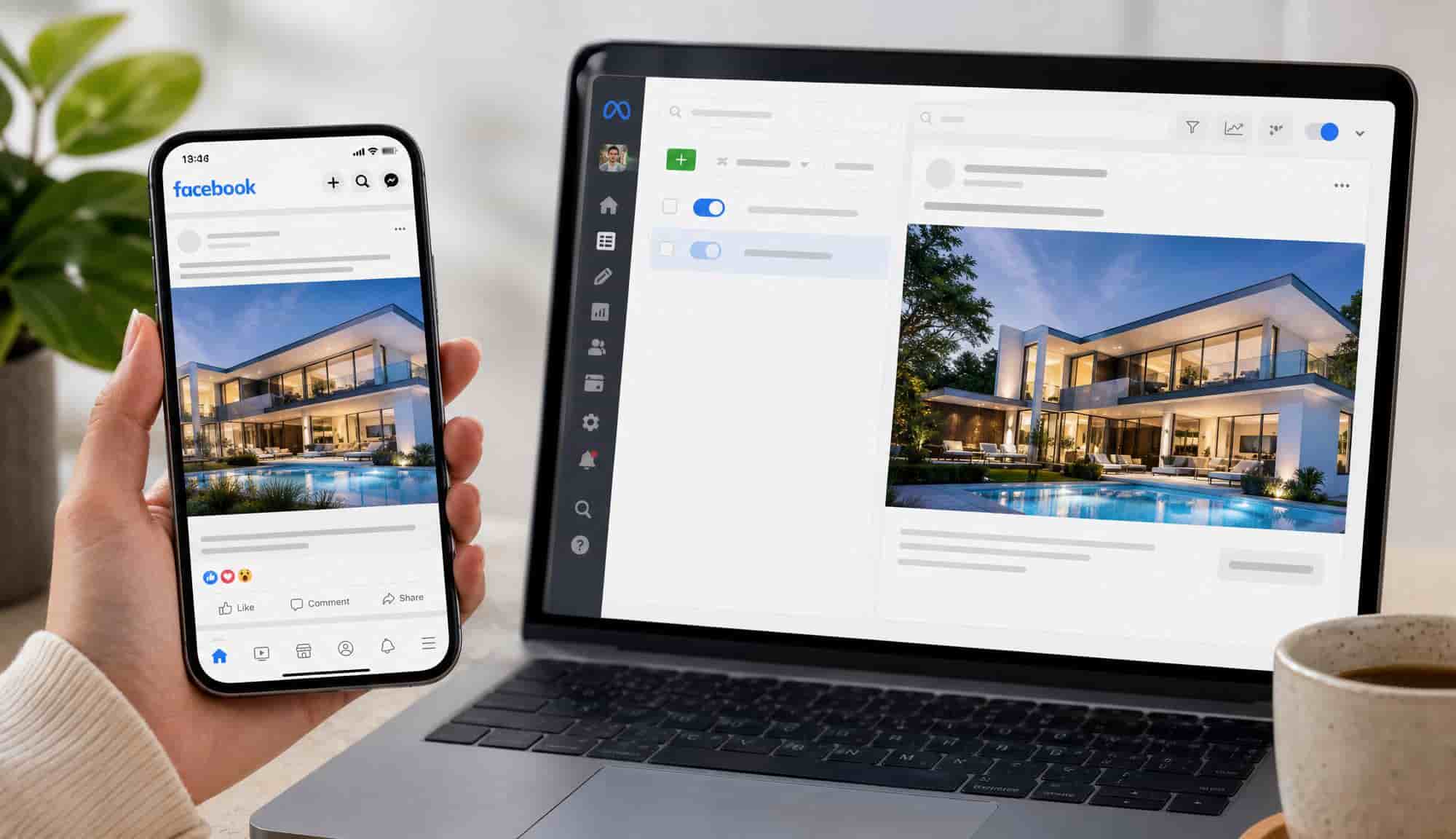
Most real estate Facebook ads do not fail because of targeting. They fail because of the creative. Meta's algorithm does most of the audience work now, and housing ads are legally blocked from the detailed targeting agents used to lean on. What decides an ad is the first three seconds and the offer behind them. The fastest way to produce that creative without filming is to turn your listing photos into a short video with a tool like Amplifiles, which outputs a branded, watermark-free 1080p video in about five minutes at $1.50 per image (one dollar and fifty cents per image), with an optional AI voice-over that generates burned-in captions automatically at no extra cost.
This guide is the paid-social companion to our real estate marketing guide. If you already run search campaigns, pair it with our real estate Google Ads playbook: Google rewards intent, Facebook rewards a scroll-stopping creative.
Why most real estate Facebook ads fail
Before the playbook, the postmortem. Look at any agent burning $30 to $50 a day with nothing to show for it and you will find some combination of these five mistakes.
- Boosting a listing post. The boost button optimizes for likes from people who will never buy a home.
- Trying to out-target the algorithm. Stacking "Zillow plus HGTV plus mortgage" interests was a 2020 tactic. In housing it is no longer available, and where it is, it starves Meta's delivery system of the room it needs to learn.
- Static photo carousels for every listing. Photos got expensive per thousand impressions once Reels took over the feed. Vertical video is the unit Meta wants to serve.
- Optimizing for the cheapest lead. A $7 lead who never replies costs more than a $55 lead who books a showing.
- Slow follow-up on a 30 day horizon. Lead quality collapses after five minutes, and real estate is a six to twelve month sales cycle.
Four of those five are creative or follow-up problems, and not one is an audience problem. That is no accident: the audience lever was taken away years ago. Real estate is a housing category, and every ad promoting the sale or rental of housing runs in Meta's Special Ad Category, alongside employment, financial products and services, and social issues, elections or politics. That setting strips out the targeting agents were taught to use.
The history is worth getting right, because most guides get it wrong. In March 2019 Meta settled private civil-rights cases brought by the National Fair Housing Alliance, the ACLU and the Communications Workers of America, and agreed to build a separate advertising flow for housing, employment and credit ads. HUD did not settle. Nine days later, on March 28, 2019, HUD charged Facebook with violating the Fair Housing Act, and that charge produced the June 2022 agreement with the Justice Department. The Special Ad Category came out of the private settlements rather than the HUD action: it took effect for US advertisers on December 4, 2019, and active ads were brought under it by February 11, 2020.
What that leaves you with is a short and specific list of restrictions, and Meta's own developer documentation is the place to check it. Age is fixed at 18 to 65+ and cannot be narrowed. Gender cannot be specified. ZIP or postal code targeting is unavailable, and so are neighborhood, metro area and electoral district. Location exclusions are unavailable. Detailed targeting exclusions are unavailable. Lookalike Audiences and Saved Audiences are unavailable. The minimum location radius is 15 miles.
So the old advice to "target 30 to 55 year olds in your farm area who are likely to move" is not outdated so much as unavailable, and skipping the housing declaration to unlock it is a Fair Housing violation long before it is a marketing problem. Our guide to real estate advertising rules covers that side in full.
The takeaway is freeing once it clicks. Everyone in your market runs under the same restrictions, so the only variables left that you control are the creative, the offer and the follow-up.
What changed on Meta, and what the other guides still get wrong
If a guide still tells you to build a lookalike audience of past buyers or target a ZIP code, it is describing a product that no longer exists in housing. Here is the current state.
Three rows need a footnote. Special Ad Audiences were not deleted in one stroke: Meta blocked the creation of new ones on August 25, 2022 and began pausing ad sets that still contained one on October 12, 2022. No like-for-like replacement was offered, and Lookalike Audiences remain unavailable for housing ads.
Detailed targeting exclusions disappeared twice, and the two get mashed together constantly. Housing ads lost them in 2019 as a Special Ad Category restriction. Every advertiser lost them in 2025 as a platform-wide change, announced on January 21, 2025 and enforced from April 21, 2025. Two separate events, one column.
The last row is the one worth acting on. Custom Audiences built from your own first-party data still work inside the Special Ad Category, so you can retarget people who watched 50 percent of a listing video, visited your site, or sit in your CRM. Two conditions attach to a customer list: it must not have been selected on a protected characteristic, and Meta requires you to certify that your use of it complies with its non-discrimination policy. What you cannot do is ask Meta to find more people like them.
Where Advantage+ Audience fits, and why you should check Ads Manager yourself
This is the one genuinely unsettled part of the picture, so treat any confident answer, including ours, with suspicion. Meta's documentation still says Advantage+ detailed targeting is unavailable for Special Ad Categories. Yet advertisers reported through late 2025 that Advantage+ Audience is on by default in housing campaigns. We cannot reconcile the two from outside. Open your own Ads Manager, start a housing campaign, and see what the audience section offers you today.
Whichever way it resolves, the conclusion does not move: spend your time on the creative, not the audience panel.
The three-stage funnel that gives the creative somewhere to work
Structure is the other thing you still control. Build the account as three stages rather than one campaign trying to do everything, each with its own job, creative and audience.
Stage one is where most agents underspend: attention ads should run to your farm area continuously, not only when you have a listing. Stage two is where they overspend on the wrong lead magnet. Stage three is the cheapest inventory in the account, and where solo agents give up too soon.
What actually makes a real estate Facebook ad convert
Meta finds likely converters on its own, as long as you feed it a creative worth optimizing around. The ads that win stop the scroll in the first second, build trust fast, and ask for something small in return for something valuable. Three of the four rows below are about the creative, not the settings.
Video generally beats a static image for a listing, and the mechanism explains why the gap keeps widening. A photo carousel gives Meta roughly three seconds of attention data. A 30 second walkthrough gives it 30 watch-second signals plus replay rate, saves and comments, all of which the delivery system reads as ranking input. Our guide to how to make real estate Reels covers the shot list and pacing.
How to make the video creative in minutes, not days
The catch with "video wins" advice is that most agents have no footage and will not hire a videographer for an ad test that might run three days. Editing one walkthrough by hand takes four to six hours, which is why most agents make one or two videos a quarter while the campaigns that work test several variants a week. Amplifiles turns your existing listing photos into a branded, watermark-free video in about five minutes at $1.50 per image, exported vertically at 9:16 so it fills the Facebook and Instagram feed and Reels. Add an AI voice-over and the captions are generated automatically, which matters more on Meta than most agents realize: the majority of feed video is watched with the sound off, and an uncaptioned ad loses its hook to a muted autoplay. You already shot the photos for the MLS. Now they become the ad.
The workflow for a listing ad:
- Pick six to ten of your strongest photos, leading with the best exterior or hero shot.
- Upload them and write a short hook that names a benefit, not the address.
- Add an AI voice-over if you want captions. They generate automatically at no extra charge and carry the hook when the ad autoplays muted.
- Export vertically so the video fills the feed and Reels.
- Point the campaign at a Meta instant lead form, declared as a Special Ad Category.
Because a full video costs a few dollars, you can make three cuts of the same listing, each with a different hook, and let Meta pick the one that earns the cheapest lead. See finished real estate video examples, and how to create an AI real estate listing video for the production flow.
Here is how the options compare.
A static flyer is fine for an organic brand post and wrong for a paid ad: it looks like an advertisement before anyone engages. Our guide on video marketing for real estate agents covers the broader frame.
Three ad frameworks that book appointments
Each of these is a recipe for one stage of that funnel, and each answers a question before it asks for anything.
The seller lead ad
Open with the seller's goal, not your listing. "Wondering what your home is worth after prices shifted this year?" over a short neighborhood video, with a free personalized valuation as the offer and "Get your estimate" as the button. Stage two workhorse.
The buyer lead ad
Lead with scarcity and specificity. "The best homes under $500k that hit the market this week," over a fast montage of five properties, the full list delivered through a lead form. Rebuild it weekly from fresh listings.
The authority ad
Show a result. "We helped this seller get four offers in three days," over a before-and-after or a short client story, with a pricing-strategy guide as the offer. Stage three: it builds trust with people who will remember you when they are ready.
The language that gets housing ads rejected
Fair Housing rules apply to the words in the ad, not just the targeting behind it. Meta screens creative for language signaling a preference for or against a protected class, and repeated rejections can escalate to an account restriction.
One thing to be clear about before the examples: there is no current, authoritative, government-published list of forbidden housing-ad phrases. HUD's old advertising word-list regulation, 24 CFR Part 109, was removed in 1996, and HUD's April 2024 digital-advertising guidance was withdrawn effective September 17, 2025. What actually governs is the statute and the rule, 42 U.S.C. § 3604(c) and 24 CFR § 100.75, and the test they apply is the "ordinary reader" standard: an ad violates the law if it suggests a preference, limitation or discrimination to an ordinary reader, regardless of what you intended by it.
Read the table as illustrations of that standard, not a rule list. The trap is that the offending phrases sound like ordinary marketing copy: they describe who the home suits, which is exactly what housing advertising may not do.
None of those six phrases is banned by name anywhere in current federal regulation. They are here because an ordinary reader would take each as a signal about who is welcome, which is what the standard asks. The rule of thumb: describe the property, never the buyer. Our guide to real estate advertising rules covers the wider Fair Housing surface.
What to do when Meta rejects your ad
Rejections are routine and mostly recoverable. What matters is not repeating the same one, because a pattern of rejections is what triggers an account-level restriction.
- Read the specific policy cited. "Discriminatory practices" is a creative language problem. "Special Ad Category" means the housing declaration is missing or the targeting is out of bounds.
- Fix the cause, do not resubmit unchanged. Resubmitting an identical ad and hoping for a different reviewer is the fastest route to a restriction.
- Request a review once. Automated screening produces false positives, particularly on the word "family". One appeal is reasonable; three on the same creative is not.
- Duplicate rather than edit a live ad. Significant edits restart the learning phase: pausing the ad set, changing the optimization event, the audience or the creative, and large bid or budget changes all count. Renaming an ad or nudging the budget slightly does not. When the fix is a new creative, build it as a new ad in the same ad set rather than editing one that is already delivering.
- Keep a compliant creative on file. A previously approved video with neutral copy lets you keep spending while the rejection is sorted out.
If your account gets restricted rather than the ad, stop creating new ads and work through Business Support. New attempts during a review usually make it worse.
The five minute follow-up rule
This is the most important operational rule in real estate Facebook ads, and it sits entirely outside the ad account. A lead who fills in a form on Facebook is high intent for about 300 seconds. After that intent decays sharply, and by hour two the lead is mostly cold.
The agents who consistently close Facebook leads have a follow-up system that fires within five minutes: an instant SMS, an instant email, and a call from a real person inside those five minutes. If you cannot answer that fast, automate the SMS and email and pay a virtual assistant to make the calls.
It is also the cheapest lever in the whole system. No creative test moves your lead-to-appointment rate as much as answering the phone faster does.
Tracking ROI: the Conversions API and offline events
The other piece most agents skip is feeding Meta real conversion data. Without it, the system optimizes for cheap form fills, because that is the only signal it has.
There are three parts. Install the Meta Pixel with the Conversions API enabled, so form submissions and page views also reach Meta server-side. Connect your CRM so lead status changes flow back. Then upload offline conversions monthly: booked appointments, signed agreements, closings. Give it 60 to 90 days and delivery shifts from optimizing for any lead to optimizing for the kind that books.
One caution. Changing the optimization event is a significant edit, so expect the ad set to re-enter the learning phase when you switch it. Make the change once, deliberately.
What good looks like: real estate Facebook ad benchmarks
A caveat first, because it matters more than the numbers. These are not researched benchmarks. They are the ranges we observe in practitioner accounts, and published figures for this category run from $2 per lead to well over $100, because they mix buyer with seller leads and tiny markets with metros. Treat your own first 30 days as the real baseline.
The last two rows are the ones agents skip and then get surprised by. At a one percent lead-to-close rate, a hundred leads is one transaction.
How much to spend and how to test
$10 to $20 a day is a creative testing budget, not a lead flow budget. It is enough to find out which hook holds attention in your market, not enough to fill a pipeline. Expecting steady leads at that level is how agents conclude that Facebook does not work.
A $5 a day budget can hold a small retargeting audience, but for cold prospecting it is usually too thin: an ad set unlikely to reach roughly 50 optimization events within a week gets flagged "Learning limited" and never gives you a clean read.
Whatever the number, keep the audience and the offer fixed and test the creative, then move budget behind the winners rather than adding more ads. Our guide on how to use listing videos maps the rest of the distribution.
Your first 30 days
Week one is creative, not ads. Generate eight to twelve short video variants from your two best photo sets and write three to five hooks. Week two, launch. One stage one ad set at $10 to $20 a day, four to six variants, broad geography. Week three, read the creative. See which variants held attention longest, shift budget behind them, and launch a stage two lead capture ad to people who watched 50 percent of any stage one video. Week four, close the loop. Set up stage three retargeting and the five minute follow-up automation.
At the end of the month you have a working three stage funnel and a baseline of your own, worth more than any benchmark table on the internet, including the one above.
Frequently Asked Questions
Are Facebook ads worth it for real estate?
Yes, when the creative and offer are strong and the follow-up is fast. Meta's reach is enormous and its algorithm finds likely converters on its own. The agents who say Facebook ads do not work are almost always running a static flyer with a weak offer, not a video with a specific hook.
What targeting can you use for real estate Facebook ads?
Real estate ads must run in Meta's Special Ad Category. Age is fixed at 18 to 65+, gender cannot be specified, ZIP code, neighborhood and metro area targeting are unavailable, location exclusions and detailed targeting exclusions are unavailable, Lookalike and Saved Audiences are unavailable, and the minimum location radius is 15 miles. You can still target a wider area and let Meta optimize from there, and Custom Audiences built from your own data still work. Check Ads Manager rather than any guide, because Meta changes the details often.
Do video ads beat image ads for real estate?
In most cases, yes. Video holds attention longer, which gives Meta more signal to optimize delivery, and it shows a property in motion the way a buyer would experience it. With Amplifiles you can turn listing photos into a branded 1080p video in about five minutes, so you get video performance without filming.
How much do Facebook ads cost for real estate agents?
Plan on $10 to $20 a day to test creative and $30 to $75 a day for consistent lead flow. Your real cost is cost per booked appointment, which depends far more on your creative and offer than on your budget.
Can you use lookalike audiences for real estate ads?
No. Lookalike Audiences are unavailable in Meta's Special Ad Category, which every housing ad must run in, and so are Saved Audiences. Special Ad Audiences, the restricted substitute Meta offered between 2019 and 2022, stopped being creatable on August 25, 2022, and ad sets still containing one were paused from October 12, 2022. Meta offered no like-for-like replacement. Custom Audiences built from your own website visitors, video viewers or CRM list do still work, provided the list was not selected on a protected characteristic and you certify that your use of it complies with Meta's non-discrimination policy.
Is $5 or $10 a day enough for Facebook ads?
For a single retargeting audience or a creative test, yes. For cold prospecting either number is thin: an ad set needs roughly 50 optimization events since its last significant edit to leave the learning phase, and Meta flags an ad set unlikely to reach 50 within a week as "Learning limited". Put the whole budget behind one strong video and one clear offer rather than splitting it across several ads, and treat the first month as a test.
Which is better for real estate, Facebook ads or Google ads?
They do different jobs. Google captures people already searching, so it converts at higher intent and costs more per click. Facebook creates demand among people who were not looking, which makes it stronger for seller lead generation and farm-area recall. Our real estate Google Ads playbook covers the other half.
Final Thoughts
The agents winning on Facebook are not the ones with secret targeting. That lever is gone for housing ads. They are the ones shipping better creative, faster, testing it cheaply, and answering the phone within five minutes.
We built Amplifiles because the video creative is where these campaigns are won, and most agents have no fast way to produce it. Our platform turns listing photos into professional 1080p marketing videos in about five minutes, with more than 30 one-click effects across six categories and an optional AI voice-over that adds captions automatically at no extra cost. No filming or editing required.
Browse real estate video examples before creating one. Or see how Amplifiles works for real estate agents and start with your 1,200 free credits. Review the full pricing at $1.50 per image before you spend a cent.