.webp)


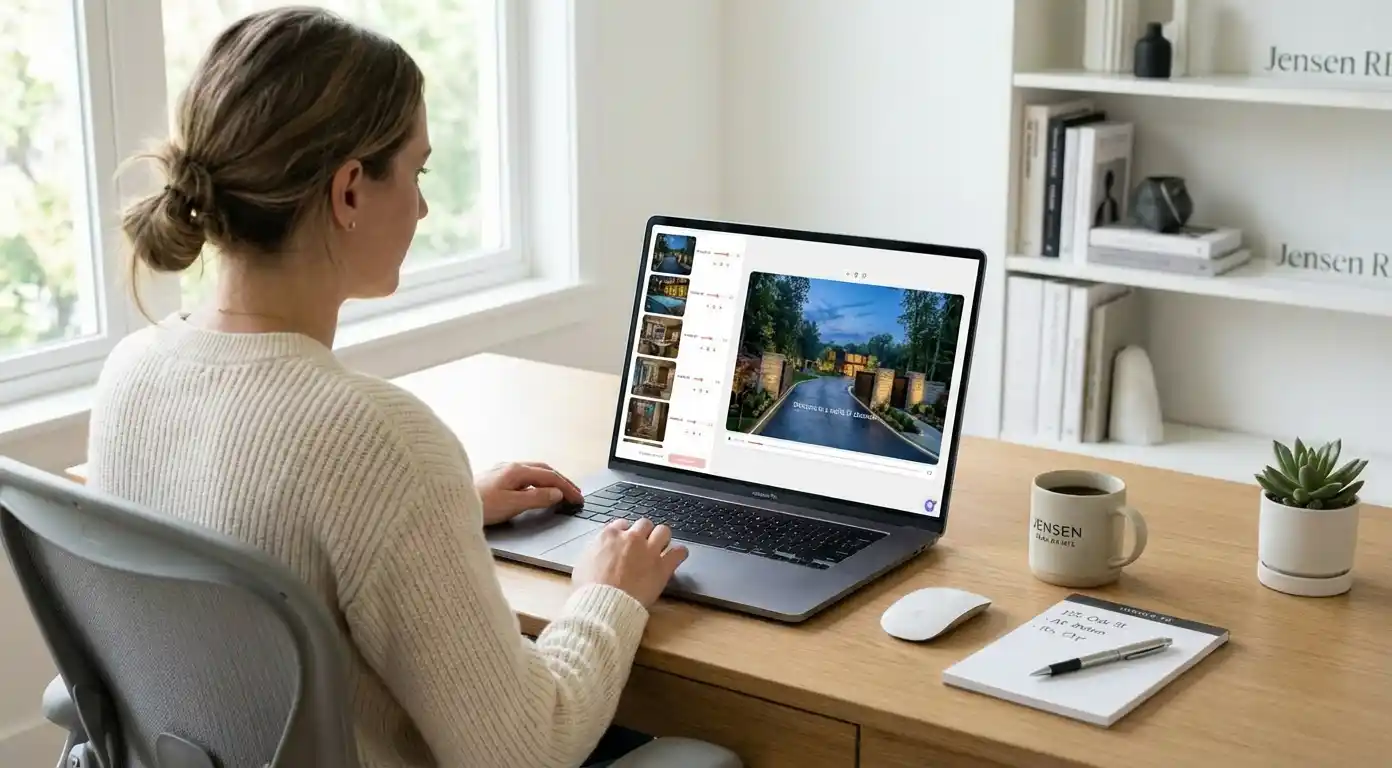
Fewer than 15% of residential listings include a video, yet homes marketed with video generate 403% more buyer inquiries than those without. The bottleneck is not interest. It is the process. Hiring a videographer costs $300 to $800 per property, takes days to coordinate, and requires a second round of editing before anything is usable.
AI changes that math. This guide covers exactly how to turn your listing photos into a professional 1080p listing video in under 10 minutes, which tools do it best, and what makes purpose-built AI video different from a generic slideshow maker.
For a broader look at how AI is reshaping agent workflows, see the full AI tools guide for real estate agents.
Why Listing Video Matters (The Numbers)
Buyers scroll fast. A photo grid holds attention for a few seconds. A video holds it for minutes. That difference converts directly to inquiry rate, offer quality, and days on market.
Video also performs better in search. Google surfaces video content in rich results, and listing pages with embedded video hold attention longer in mobile search. The question is no longer whether to use listing video. It is how to produce it without spending half a commission on production costs.
The traditional video workflow looks like this: schedule the shoot, wait for availability, receive raw footage, send for editing, wait 24 to 48 hours, receive the final file, post it. Total time: 3 to 5 days. Total cost: $300 to $800. AI compresses that to about 5 minutes.
How AI Real Estate Video Works: Step by Step
The workflow varies slightly by platform, but every serious AI listing video tool follows the same core process.
- Upload your listing photos. Most platforms accept standard MLS-quality JPEGs. Higher resolution produces sharper output. Aim for at least 1,200px wide per image.
- The AI sequences the photos. A purpose-built real estate AI arranges photos to simulate a walkthrough: exterior, entry, main living areas, kitchen, bedrooms, bathrooms, outdoor spaces. Amplifiles handles this automatically using photo metadata and visual content analysis.
- Motion and transitions are generated. The AI adds subtle camera movements between still images — pan, zoom, and dolly simulation — creating the feel of moving through a property without any filming.
- Voice-over, music, and captions are added. An AI-generated voice-over reads listing details or a custom script. Background music and animated captions are layered in automatically.
- Agent branding is applied. Your name, brokerage logo, contact details, and color scheme are placed on the video. No design work required.
- Export in the format you need. Download in square (1:1 for Facebook), vertical (9:16 for Reels and TikTok), or landscape (16:9 for YouTube and listing portals).
Amplifiles is an AI-powered real estate video maker that turns listing photos into branded 1080p marketing videos in about 5 minutes. It is designed for real estate agents and photographers who need professional-quality listing videos without editing skills or filming equipment.
See what a finished AI listing video looks like before creating your own on the real estate video examples page.
How AI Listing Video Tools Compare
Several tools now compete for this use case. Here is how the main options stack up for listing-specific work.
| Tool | Best For | Turnaround | Approx. Cost per Listing | Real Estate Built-In |
|---|---|---|---|---|
| Amplifiles | Agents and photographers needing fast, branded listing video | ~5 minutes | ~$22 (15 photos at $1.50/image) | Yes — walkthrough sequencing, agent branding, multi-format export |
| Reel-E.ai | Listing reels with cinematic motion | 5–10 minutes | Subscription-based (~$30–60/mo) | Partial — real estate templates, less branding control |
| Animoto | Beginners wanting manual control over every element | 30–60 minutes | Subscription (~$16–39/mo) | No — general purpose, real estate templates available |
| VibePeak | Agents who want an AI avatar presenting the home | 10–20 minutes | Subscription-based | Partial — avatar presentation style, not walkthrough focused |
Animoto is a strong choice for agents who want granular control over every cut and transition. It is a general-purpose tool, though, not a real estate one. The AI walkthrough sequencing, automatic branding, and listing-specific export formats are absent. You get a polished result but spend significantly more time producing it.
Unlike general video tools like Animoto, Amplifiles is built specifically for real estate listing videos, with photo ordering that simulates a walkthrough and built-in agent branding that requires no design work. Reel-E.ai offers a capable alternative for agents focused on short-form reel content, but runs on a subscription model that works out more expensive per listing for agents who do not produce video every week.
Amplifiles charges $1.50 per image and produces a finished listing video with captions, voice-over, and branding included. New users receive 1,200 free credits, which covers roughly eight images, enough for your first listing video before any payment is required. Full pricing details are on the pricing page.
How to Get the Best Results from AI Listing Video
The AI can sequence and animate any set of photos, but output quality tracks directly with input quality. A few things that move the needle:
- Shoot at least 15 to 20 photos per listing. Videos shorter than 30 seconds rarely build enough emotional connection with the property. More photos give the AI more material for a compelling sequence.
- Include a twilight or golden-hour exterior shot. Warm-light exterior photos produce the most cinematic opening frames. Flat midday shots work, but the quality difference is visible.
- Stage before you shoot. Personal items and furniture layout are hard to fix later. Busy countertops and flat daylight are easier: Declutter and Time of Day clean them up before the photo is animated.
- Add one neighborhood establishing shot. A street-level or aerial photo gives buyers geographic context before the interior sequence begins. It also improves pacing.
- Review the AI photo order before exporting. Most platforms let you adjust the sequence after the AI suggests it. Check that the flow makes spatial sense for someone who has never been inside the property.
Once the video is ready, distribution is the next question. For a breakdown of where to post listing video for the highest engagement — listing portals, Instagram Reels, YouTube, and email — see the listing video distribution guide. For a deeper look at the strategy behind video marketing, the video marketing playbook for real estate agents covers channel-by-channel tactics.
Frequently Asked Questions
What is an AI real estate video?
An AI real estate video is a listing marketing video created from photos using artificial intelligence, without any filming or manual editing. The AI generates camera motion, sequences the photos in walkthrough order, adds voice-over narration, music, captions, and agent branding. The result is a professional listing video that would otherwise require a videographer and video editor to produce.
How long does it take to create an AI listing video?
With Amplifiles, the process takes about 5 minutes from photo upload to finished video. You upload your listing photos, the AI generates the video, and you download or share directly. There is no rendering queue or waiting for an editor's revisions.
How much does AI real estate video cost?
Amplifiles charges $1.50 per image. A typical 15-photo listing video costs around $22.50. New users receive 1,200 free credits, which covers roughly eight images, enough for your first listing video before any payment is needed. By comparison, professional videography for a single listing typically runs $300 to $800, not including editing time or reshoots.
Can I create a real estate video from photos without filming anything?
Yes. That is exactly what AI listing video tools do. You upload your existing listing photos and the AI generates a video with motion, transitions, voice-over, and audio. No filming equipment, no production crew, and no scheduling required. Amplifiles produces 1080p video output from standard MLS photography.
Is AI listing video good enough quality for social media and listing portals?
Yes, for the vast majority of listings. AI video output has improved substantially and is now indistinguishable from professionally edited slideshow-style video at standard listing price points. Amplifiles exports in 1080p with proper aspect ratios for each platform, so the video looks native on Instagram, YouTube, and listing portals. For ultra-luxury properties where cinematic drone footage and live-action walkthroughs are expected, a hybrid approach works well: professional video for the hero content, AI video for social media cuts and email marketing.
Final Thoughts
Video is no longer optional in listing marketing. Buyers filter for it, and listings without it get less time and fewer inquiries. The only real question is whether to keep paying $300 to $800 per property for professional production, or shift to AI video that costs a fraction of that and takes minutes instead of days.
We built Amplifiles because agents and photographers needed a purpose-built tool that understood real estate photo sequencing, branding requirements, and multi-format output — not a general video editor awkwardly adapted for listings. The result is a platform that produces 1080p listing videos with voice-over, captions, and branding in about 5 minutes.
Browse real estate video examples to see what a finished listing video looks like before creating one. Or jump straight to how Amplifiles works for real estate agents and start with your 1,200 free credits.