.webp)


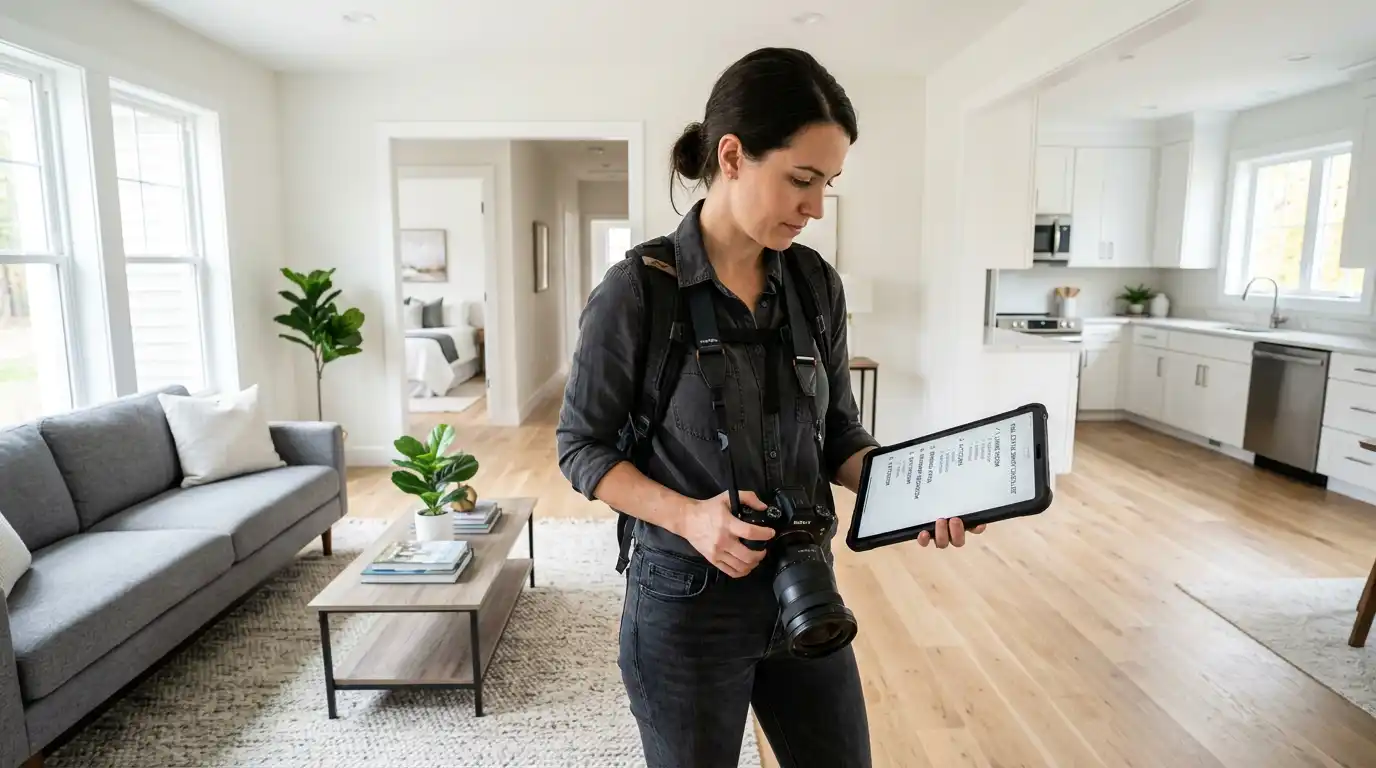
The Short Answer
A complete real estate photography shot list for a standard single-family home contains roughly 35 to 45 frames: three exterior angles of the front, two of the backyard, two wide shots of every primary living space, one wide plus one detail shot of the kitchen, two angles of the primary bedroom and bathroom, one wide shot of every secondary room, and a handful of detail shots that highlight what makes the property unique. The same photos can then be dropped into Amplifiles to produce a 1080p listing video in about 5 minutes, so a photographer or agent leaves a single shoot with both the gallery and the marketing video.
Why a Shot List Beats Winging It
Most missed shots are not a skill problem, they are a memory problem. On a 45 minute shoot you are managing light, exposure brackets, vertical lines, lens swaps, and a homeowner watching from the kitchen. The brain drops things. A printable list pinned to the back of the camera or open on a phone removes that risk and shortens reshoots, which are the single biggest margin killer in a photography business. For agents shooting their own listings, the list is even more important. Buyers form an opinion in the first three photos of a Zillow gallery, and a missing kitchen wide shot or a skipped primary bathroom signals "amateur listing" before the price even loads.
For more on the gear that supports this workflow, see our real estate photography equipment guide, and for pricing context for photographers building a business around this checklist, our 2026 photography pricing breakdown.
The Master Real Estate Photography Shot List
This is the room-by-room version. Adjust counts up or down based on home size, but treat the categories as non-negotiable.
Exterior
- Front of the house, straight on, centered, shot from the curb or sidewalk.
- Front of the house, angled left, showing depth and one side wall.
- Front of the house, angled right, mirroring the second shot.
- Close up of the entry door, porch, or address number for a hero detail.
- Driveway and garage, framed to show approach and parking.
- Backyard wide shot from the rear corner of the lot, looking back at the house.
- Backyard wide shot from the back of the house, looking out toward the yard.
- Patio, deck, or pool detail. One per feature.
- Side yards or unique exterior features, only if they add value.
- Optional twilight exterior, taken 15 to 25 minutes after sunset with interior lights on.
Entry and Main Living Areas
- Foyer or entryway, looking in from the front door.
- Foyer looking back out toward the door, only if it adds context.
- Living room wide shot from corner one.
- Living room wide shot from the opposing corner.
- Living room hero shot framing the fireplace, picture window, or main feature.
- Family room wide shot, if separate from the living room.
- Dining room wide shot showing the full table and lighting.
- Dining detail shot of the chandelier, built ins, or unique millwork.
Kitchen
- Kitchen wide shot from the entry, showing the full layout.
- Kitchen wide shot from the opposing corner.
- Kitchen shot framing the island or breakfast bar as the foreground.
- Detail shot of the range, hood, or high end appliance.
- Detail shot of the backsplash, countertop, or fixture.
Bedrooms and Bathrooms
- Primary bedroom from the doorway, showing scale.
- Primary bedroom from the opposite corner, showing the bed and main wall.
- Primary closet, only if walk in or notable.
- Primary bathroom wide shot showing vanity, shower, and tub in one frame if possible.
- Primary bathroom secondary angle, often the shower or freestanding tub on its own.
- One wide shot per secondary bedroom, taken from the most flattering corner.
- One shot per secondary bathroom showing the vanity and shower.
- Powder room, one straight on shot of the vanity wall.
Supporting Spaces and Details
- Home office or flex room, one wide shot.
- Laundry room, one shot showing the appliances.
- Mudroom or pantry, only if presentable and a selling feature.
- Stairs and notable hallways, only if architecturally interesting.
- Basement or bonus room, one wide shot per finished space.
- Two to four lifestyle detail shots: a styled coffee table, a vase on the entry console, fresh flowers on the kitchen island. These are the shots that fill the in between frames of a video.
How to Adapt the List by Property Type
The 35 to 45 frame target is for a 3 bed, 2 bath, 1,800 to 2,500 sq ft home. Scale it up or down based on what you are shooting.
Pre Shoot Prep That Protects the List
The shot list only works if the house is ready. Send this to the homeowner or agent at least 24 hours before the shoot. Turn on every light in every room and replace burned out bulbs. Open all blinds and curtains. Remove floor mats, pet bowls, kitchen counter clutter, toiletries, magnets from the fridge, and visible cords. Park cars off the driveway. Hide trash bins. Set ceiling fans to off so the blades photograph cleanly. Stage one focal point per room: a folded throw on the sofa, a styled tray on the island, a vase of flowers on the entry console.
From Shot List to Listing Video in One Workflow
The same 35 to 45 photos that fill an MLS gallery are also the raw material for a marketing video. Historically that meant a separate videographer, a separate booking, and a separate invoice. With AI video tools the workflow collapses into a single shoot.
Amplifiles is an AI powered real estate video maker that turns listing photos into branded marketing videos. It is built for real estate agents and photographers who want to add video to their listings without filming or editing skills. Amplifiles charges $1.50 per image, produces 1080p video with voice over and captions, and completes processing in approximately 5 minutes. A standard 40 image shot list becomes a 60 second listing video for around $60, delivered the same day as the photos.
That matters for two groups. Photographers can offer a video add on without buying a gimbal, learning Premiere, or scheduling a second visit, which is the fastest way to lift a per shoot invoice from $250 to $400+. Agents who shoot their own photos get a video for every listing without paying a videographer, which is what closes the gap between listings that get scrolled past and listings that get saved.
See real outputs on the real estate video examples page, or read how this fits into a broader distribution strategy in the guide on using listing videos across MLS, social, and ads.
Frequently Asked Questions
How many photos should be on a real estate photography shot list?
For a standard 3 bed, 2 bath single family home, plan for 35 to 45 final frames. Condos can deliver in 20 to 25, large family homes need 50 to 70, and luxury listings often run 80 to 120. The number is less important than the coverage rule: every primary space gets two wide angles, every secondary space gets one wide angle, and every selling feature gets a detail shot.
What shots do most real estate photographers forget?
The most commonly missed frames are the second corner of the kitchen, the closet inside the primary bedroom, the powder room, the laundry room, and lifestyle detail shots like a styled coffee table or a vase on the island. A printed shot list eliminates almost all of these misses.
Should I include a twilight shot in my shot list?
Include a twilight exterior on listings priced above the local median, on homes with strong outdoor lighting, or on properties with a pool, deck, or view. Skip it for entry level homes where the cost of a return visit eats the photographer's margin. Twilight shots are taken 15 to 25 minutes after sunset with every interior light turned on.
Can I turn my shot list photos into a listing video?
Yes. Upload the same 35 to 45 photos you delivered to the MLS into Amplifiles and the platform will produce a 1080p branded listing video with voice over and captions in about 5 minutes. Pricing is $1.50 per image, so a 40 image shot becomes a $60 video. New users get 1,200 free credits to test the workflow before paying.
Do I need a wide angle lens for every shot on this list?
For interior wide shots, yes. A 16 to 24mm full frame equivalent lens is the standard. For detail shots like fixtures, faucets, and lifestyle vignettes, a 35 to 50mm lens produces a more flattering, less distorted result. Most working real estate photographers carry both.
Final Thoughts
A shot list is the cheapest quality control tool in real estate photography. It removes 90 percent of reshoots, gives the homeowner a clear prep checklist, and turns a chaotic 60 minute shoot into a repeatable process you can scale across listings. Print it, laminate it, stick it to the back of the camera. Use it on every shoot.
We built Amplifiles because the same photos that fill an MLS gallery should also produce the listing video, without a second shoot or a separate editor. Our platform turns listing photos into professional 1080p marketing videos in about 5 minutes, with voice overs, captions, and branding. No filming or editing required.
Browse real estate video examples to see what a delivered listing video looks like before creating one. Or jump straight to how Amplifiles works for real estate photographers and start with your 1,200 free credits.