.webp)


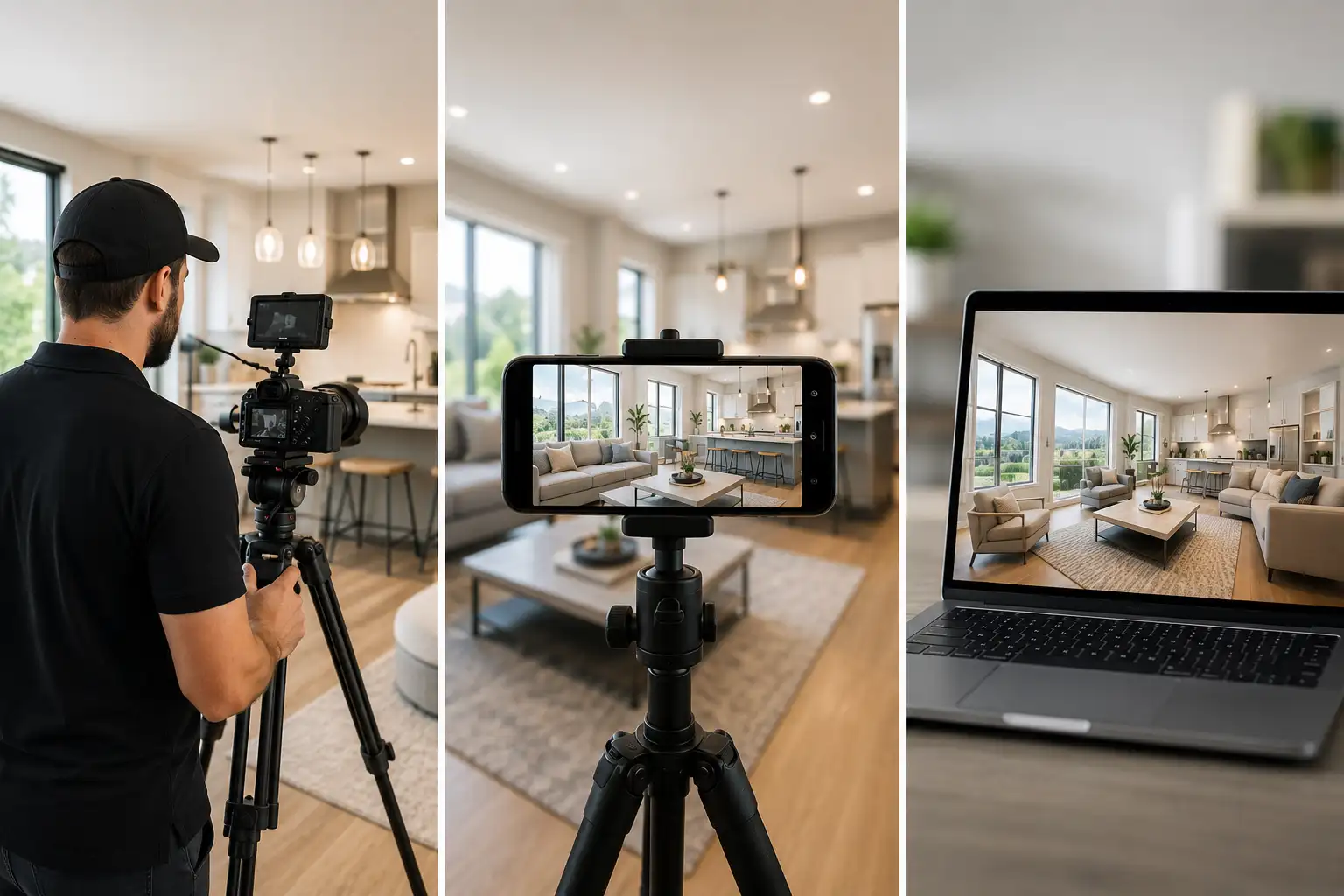
Real estate videography is the practice of producing video for property listings, from a full cinematic walkthrough shot by a professional to a quick tour filmed on a phone. For most standard listings, the honest answer is that you do not need to hire a videographer at all. The decision comes down to three options: hire a pro for high-value or luxury homes, film it yourself for everyday listings, or skip filming entirely and turn the listing photos you already have into a video with an AI tool like Amplifiles. This guide breaks down what each path costs, what it takes, and how to choose for a given listing.
Video is now table stakes in listing marketing. Buyers scroll listings on their phones, and a moving walkthrough holds attention in a way a photo carousel does not. The trap is that real estate videography gets sold as one thing, polished professional production, when it is really a spectrum of effort and cost. For the wider picture of how video fits your funnel, start with our guide to video marketing for real estate agents. This article is narrower. It answers the question agents actually ask, which is whether videography is worth paying for on this listing, in front of you, today.
Is real estate videography worth it?
It is worth it when the video is a sales tool, not just documentation. That means luxury and high-value homes where production quality lifts perceived value, competitive markets where a listing has to stand out in a crowded feed, and hero listings you want to anchor your personal brand around. In those cases a professional shoot earns its fee.
It is not worth it for entry-level homes, rentals, or listings that will sell regardless of marketing. Here is the position most pricing guides will not take: a lot of agents overpay for cinematic video on listings that would move anyway, then run no video at all on the mid-market homes where buyer attention is actually scarce. The money is in the middle of your inventory, not the top. The goal is not the best possible video on one listing. It is a good-enough video on every listing.
What real estate videography actually costs
Pricing tracks effort. A basic listing walkthrough typically runs $150 to $500. A mid-tier cinematic edit with a gimbal, music, and color correction runs $500 to $1,500. Luxury production with a drone, lighting, an agent on camera, and a graded edit starts around $2,000 and climbs from there. The spread is wide because you are paying for skilled labor and time.
Run the math against your commission. If a $400 video helps a $600,000 listing sell faster or wins you the listing in the first place, it pays for itself. If you are spending $400 on a $1,800 rental commission, it does not. For a deeper breakdown of what to budget per listing, see our guide to real estate video pricing.
Hire a pro, film it yourself, use AI, or done-for-you: how to choose
Four paths, four different trade-offs. The right one depends on the listing, your volume, and how much you want to touch the work yourself.
| Path | Cost per listing | Turnaround | Best for |
|---|---|---|---|
| Hire a pro | $150 to $2,000+ | 2 to 7 days | Luxury and hero listings |
| Film it yourself | Gear cost upfront, then near $0 | Same day, plus editing time | Agents who film often and build a brand |
| AI photo-to-video | About $12 per listing | About 5 minutes | Standard and high-volume listings |
| Done-for-you | $29 to $59 per listing | 24 hours | Agents who want video on every listing without touching a tool |
A simple rule of thumb: hire out the listings where the video sells the home, film the ones where the video sells you, and automate everything else.
If you film it yourself: gear and the shot order that matter
You do not need a cinema rig. You need clean, stable footage and a logical sequence. A recent mirrorless body like the Sony A7 IV or Canon EOS R6 Mark II is plenty, and an all-in-one like the DJI Osmo Pocket 3 covers most listing work on its own. Add a gimbal from the DJI RS line for smooth motion, a wide lens so rooms feel open, and a DJI Mic or similar if you plan to narrate. A compact drone such as the DJI Mini 4 Pro adds exterior and lot-context shots that punch above their cost.
Here is the part gear cannot buy: stability and pace beat specs every time. Slow, deliberate movement reads as professional. Fast, jittery footage reads as amateur no matter what camera shot it. Film the home the way a buyer would walk it. Start with an exterior approach, cut to the entry reveal, then flow through the kitchen, the main living space, the primary suite, and out to the yard. End on the single strongest feature of the home so the last frame is the one they remember. If you want a full walkthrough of the process, read our step-by-step on how to make a real estate video.
Where AI photo-to-video fits
Most agents do not fail at videography because they lack a camera. They fail because filming and editing every listing does not scale. A shoot takes a half day, an edit takes a few more, and somewhere around the third listing of the week the video plan quietly dies. That is the gap AI photo-to-video fills.
Amplifiles is an AI real estate video maker that turns listing photos into branded 1080p marketing videos in about five minutes, at $1.50 per image (one dollar and fifty cents), with no filming or editing required. For a standard listing you already have professional photos, so a finished video costs about the price of a few of those images, roughly $12, compared with $150 to $500 for a basic videographer shoot. New accounts get 1,200 free credits, which covers about eight images, enough to produce your first listing video at no cost.
Unlike hiring a videographer, which means scheduling a shoot and waiting days for an edit, Amplifiles turns the photos you already have into a finished video the same day. And unlike general editors such as Canva, where you still assemble and time the clips yourself, Amplifiles is purpose-built for the real estate workflow and outputs a ready-to-post listing video with motion, captions, voice-over, and your branding. See real estate video examples to judge the output for yourself, or read how the process works when you turn real estate photos into video with AI.
There is a fourth route for agents who do not want to touch a tool at all. With Amplifiles done-for-you, you send the listing photos and a human editor returns six finished files, three aspect ratios supplied as a branded cut and an MLS-safe cut, in 24 hours. It starts at $29 per listing with free revisions until the video is right. It sits between hiring a local videographer and doing it yourself: no shoot to schedule, no editing to learn, and a fraction of a traditional production cost.
Frequently asked questions
Is real estate videography worth it?
It depends on the listing. Professional videography is usually worth it for luxury or high-value homes, competitive markets, and listings you want to anchor your personal brand. For standard and entry-level listings, a paid shoot often costs more than the marketing return it produces. Many agents get the best result by filming everyday listings themselves or turning their listing photos into video with a tool like Amplifiles, and reserving paid shoots for hero properties.
How much does real estate videography cost?
A basic listing walkthrough typically runs $150 to $500, a mid-tier cinematic edit with a gimbal and music runs $500 to $1,500, and luxury production with drone and lighting starts around $2,000. The wide range reflects labor, since real estate videographers earn about $36 an hour in top US metros. Filming yourself removes the per-listing fee but adds gear and time, while AI photo-to-video tools like Amplifiles cost about $1.50 per image (one dollar and fifty cents), or roughly $12 for a typical listing.
Can you make a real estate video without filming or hiring a videographer?
Yes. Amplifiles is an AI real estate video maker that turns the listing photos you already have into a branded 1080p marketing video in about five minutes, with no filming or editing required. You upload your photos and get back a finished video with motion, captions, voice-over, and your branding. It is the fastest path for agents who want video on every listing without booking a shoot.
Should agents film listings themselves or hire a videographer?
Film it yourself when you list often, want to build a recognizable on-camera brand, and are willing to invest in a gimbal and some practice. Hire a videographer when the listing justifies the cost, such as luxury homes where production quality affects perceived value. For everything in between, AI photo-to-video is usually the most efficient option because it produces a consistent video for every listing at a fraction of the cost.
What is the best tool for real estate video?
There is no single best tool, only the best fit for the job. Professional editors like Adobe Premiere Pro and DaVinci Resolve give the most control but require skill and time. Canva works for quick social clips you assemble yourself. For agents and photographers who want a finished listing video from photos without editing, Amplifiles is purpose-built for that workflow and delivers 1080p video in about five minutes at $1.50 per image.
Can I get a listing video made for me without filming or editing?
Yes. Amplifiles done-for-you takes the photos you already have and returns six finished files in three aspect ratios, branded and MLS-safe, within 24 hours from $29 per listing. You do not shoot, edit, or open a tool. See done-for-you real estate video for what is included.
Final thoughts
Real estate videography is not one decision, it is a per-listing call. Pay a pro when the home deserves it, pick up the camera when you want to build your brand, and automate the long tail of standard listings so video happens on every one of them instead of none.
We built Amplifiles because filming and editing a video for every listing simply does not scale for a working agent. Our platform turns listing photos into professional 1080p marketing videos in about five minutes, with voice-overs, captions, and branding. No filming or editing required.
Browse real estate video examples to see what a delivered listing video looks like before you make one. Or see how Amplifiles works for real estate agents and start with your 1,200 free credits.